As a new parent, those quiet moments when your little one drifts off to sleep can feel like pure bliss, but leaving them alone can also stir up a whirlwind of worries. You want to ensure they’re safe and sound, but you also need to grab a cup of tea or tackle that pile of laundry. That’s where a good baby monitor comes into play, giving you peace of mind while you enjoy a moment to yourself. Let’s explore the top options that will keep you connected to your precious bundle, even from the next room.
In This Article
- Why You Need a Baby Monitor (And Which Type)
- Our Top Pick: BT Smart Baby Monitor (about £150)
- Best Baby Monitors 2026: Full Lineup
- Video vs Audio vs Smart: Which Type Is Right?
- Key Features That Actually Matter
- Security and Privacy: Keeping Hackers Out
- Range and Connectivity
- Setting Up for Best Results
- Frequently Asked Questions
Why You Need a Baby Monitor (And Which Type)
It is 2am. The baby has been asleep for three hours — which is miraculous — and you are lying in bed wondering whether they are still breathing. You could creep in and check, but the floorboard outside the nursery creaks, and if you wake them now you will not sleep until dawn. A baby monitor lets you check from bed without risking the creak.
That is the basic case for a monitor. But modern baby monitors range from simple audio-only units (you hear crying) to full smart systems with HD video, breathing tracking, room temperature alerts, and two-way talk. The question is not whether you need one — most parents do — but how much technology you actually want.
I have used three different monitors across two children, from a basic Motorola audio to a Nanit camera, and the honest answer is that more expensive does not always mean more useful.
The Quick Decision
- Audio only — if you just need to hear crying. Cheap (£20-50), reliable, no setup hassle, no screens to drain battery
- Video — if you want to see the baby without entering the room. The mainstream choice for most parents. £60-200
- Smart/WiFi — if you want phone access from anywhere, sleep tracking, and breathing alerts. £100-300 but requires good WiFi and raises privacy questions
Our Top Pick: BT Smart Baby Monitor (about £150)
The BT Smart strikes the right balance for most UK parents: good video quality, dedicated parent unit (no phone dependency), reliable connection, and the BT brand behind it.
- Camera: 720p HD, infrared night vision, pan and tilt (remote control from parent unit)
- Parent unit: 5-inch colour screen, rechargeable battery (8-10 hours standby)
- Audio: two-way talk, lullaby playback
- Sensors: room temperature display
- Range: 300 metres (open air), adequate for most UK houses
- Connection: FHSS encrypted digital (not WiFi — see security section)
- Where to buy: Argos, Amazon UK, Currys, John Lewis
Why it wins: It works out of the box. No app, no WiFi, no account creation, no subscription. Plug in the camera, turn on the parent unit, and it connects automatically. The picture is clear enough to see breathing movements at night, the pan/tilt lets you follow a rolling baby, and the 300m range covers even large houses. I recommended this to my sister and she is still using it two years later without a single complaint.
Best Baby Monitors 2026: Full Lineup
Best Audio Only: BT Audio Baby Monitor 450 (about £35-45)
For parents who want simplicity. Crystal clear audio, DECT connection, 300m range, and a night light on the baby unit. No screens, no cameras, no complexity.
- Connection: DECT digital (encrypted, interference-free)
- Battery life: 24 hours standby on parent unit
- Features: temperature display, night light, talk-back
- Where to buy: Argos, Amazon UK
If your baby sleeps in a room directly above or beside you, and you just need to hear if they wake, this is all you need. Sometimes less technology is the right answer.
Best Budget Video: VTech VM3254 (about £70-90)
VTech has been making baby monitors for decades and the VM3254 is their current sweet spot.
- Camera: 720p, infrared night vision, fixed position
- Parent unit: 2.8-inch colour screen
- Range: 300 metres
- Features: two-way talk, temperature display, lullabies, vibrating alert mode
- Where to buy: Argos, Amazon UK, Smyths
Honest take: The screen is small and the camera is fixed (no pan/tilt). But it is reliable, the night vision is decent, and at £70-90 it is half the price of the BT Smart. Good enough for newborns who do not move around the cot yet.
Best Smart Monitor: Nanit Pro (about £250-300)
The Nanit is the Tesla of baby monitors — beautiful hardware, powerful software, subscription model. The camera tracks sleep patterns, provides breathing motion alerts (using a dedicated breathing band), and streams HD video to your phone from anywhere.
- Camera: 1080p HD, bird’s-eye view (mounts above the cot)
- Connection: WiFi (2.4GHz and 5GHz)
- App: iOS and Android, unlimited live streaming
- Features: sleep tracking (duration, quality), breathing motion monitoring, room conditions (temperature, humidity), sound and motion alerts
- Subscription: Nanit Insights (£5/month) for sleep history and tips. Basic live streaming is free
- Where to buy: Nanit direct, Amazon UK, John Lewis
Who it is for: tech-savvy parents who want data on sleep patterns, or parents with specific anxiety about breathing (the breathing band monitors chest movement and alerts if it stops). Not for parents who find constant data overwhelming or who distrust WiFi cameras. For a related angle, see our Best Smart Baby Monitors with Breathing and Movement Tracking guide.
The catch: Requires consistent WiFi. If your router drops or your internet goes down, you lose access. The subscription adds ongoing cost. And WiFi cameras carry inherent security risks (see below).
Best for Multiple Rooms: Motorola VM855 (about £130-160)
Supports up to 4 cameras on one parent unit — ideal if you have a toddler and a baby in different rooms, or want a camera in the playroom too.
- Camera: 720p, pan/tilt/zoom (remotely from parent unit)
- Parent unit: 5-inch colour screen, split-screen mode
- Range: 300 metres
- Where to buy: Amazon UK, Argos, Halfords
Best Portable: Owlet Cam 2 (about £130-150)
Small, magnetic-mount camera that sets up in seconds. Designed for travel — takes up almost no space and works over WiFi from your phone.
- Camera: 1080p, wide-angle, night vision
- Connection: WiFi (phone app only — no dedicated parent unit)
- Where to buy: Amazon UK, Owlet direct
Good for holidays, grandparents’ houses, and multi-location parenting. Less ideal as a primary monitor because it depends on WiFi and phone battery.
Video vs Audio vs Smart: Which Type Is Right?
Audio Only (£20-50)
- Pros: simple, reliable, long battery life, no screen to stare at obsessively, cheapest option, no privacy concerns
- Cons: cannot see the baby, cannot tell if they are awake but quiet, no visual reassurance at 3am
- Best for: parents in smaller homes, second monitor for the garden/shed, parents who do not want to become screen-watchers
Video with Dedicated Unit (£60-200)
- Pros: see the baby without entering the room, dedicated screen (no phone battery drain), encrypted non-WiFi connection on most models, works during internet outages
- Cons: parent unit is another thing to carry, screen quality varies, limited range compared to WiFi
- Best for: most first-time parents. The mainstream, proven choice. I would recommend this category as the default
Smart/WiFi Monitors (£100-300)
- Pros: access from anywhere (even outside the house), HD video, advanced features (sleep tracking, breathing alerts), shareable with partner
- Cons: depends on WiFi and internet, potential security vulnerabilities, usually requires a subscription for full features, phone battery drain if streaming constantly
- Best for: tech-comfortable parents, those who want remote access (checking from work), parents with specific medical anxieties about breathing
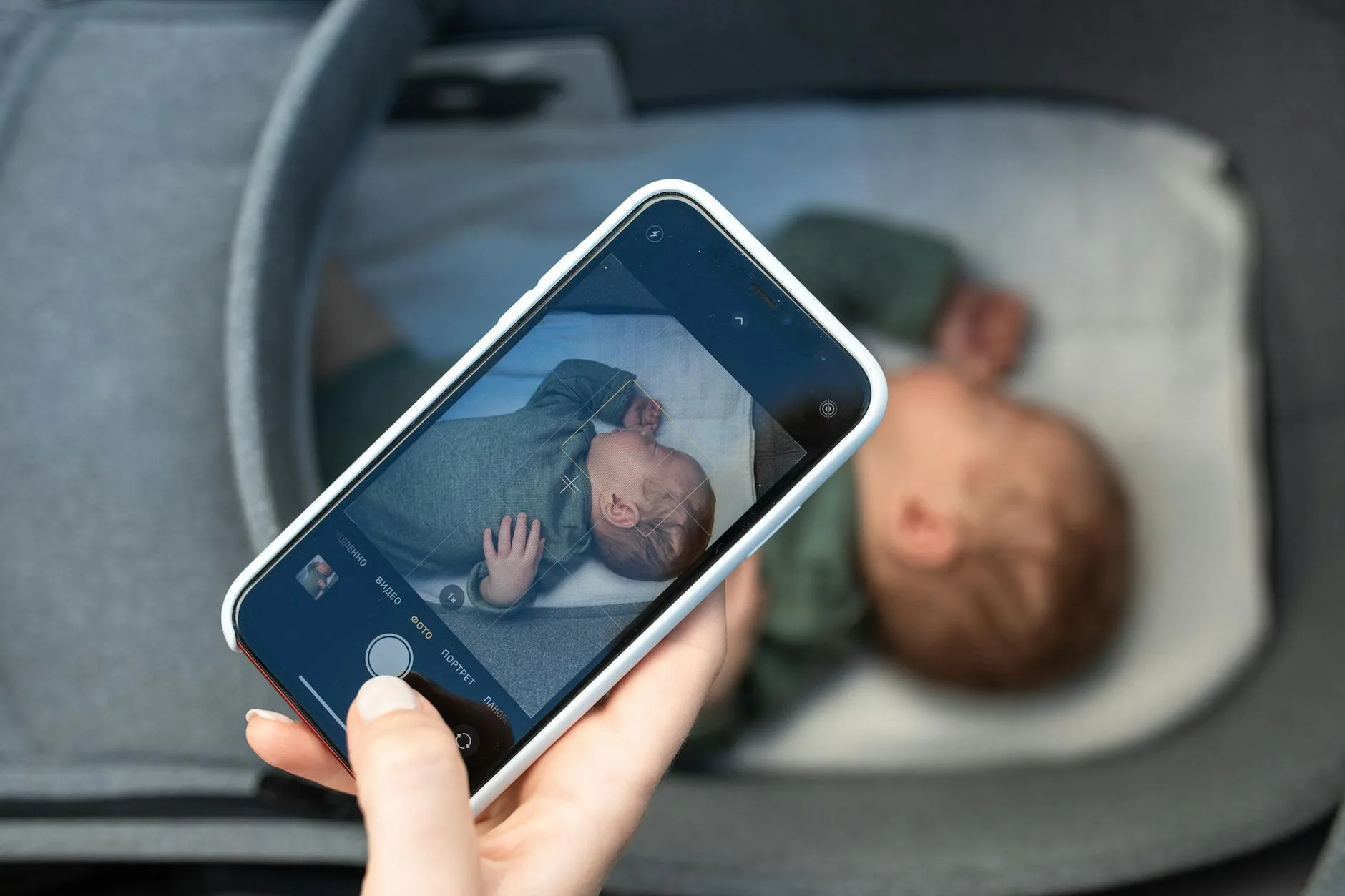
Key Features That Actually Matter
Night Vision
Non-negotiable. Babies sleep in dark rooms. Every video monitor has infrared night vision — the image appears in black and white but clearly shows the baby. Check review photos of night-time image quality before buying, because cheap sensors produce grainy, useless images. Our Best Video Baby Monitors 2026: Screen vs App-Based Compared guide is useful alongside this.
Room Temperature
Most monitors display room temperature. The Lullaby Trust recommends keeping the nursery between 16-20 degrees Celsius. Having this visible on the parent unit means you do not need a separate thermometer.
Two-Way Talk
Lets you speak through the monitor to soothe the baby without entering the room. Useful for older babies who respond to your voice. Less useful for newborns who want physical comfort. We cover a similar decision in Best Baby Car Seats 2026 UK: Group 0+ Newborn Picks.
Pan, Tilt, and Zoom
Essential once the baby starts moving (rolling, crawling, standing in the cot). A fixed camera only shows one angle — a moving baby can roll out of frame. Pan/tilt lets you follow them remotely.
VOX Mode (Sound-Activated Screen)
The screen stays off until it detects noise above a threshold, then activates. Saves battery on the parent unit and means you are not staring at a screen all night. Most parents use this mode. You may also want to read Best Bedside Cribs 2026 UK: Next-to-Me Style Picks.
What Does Not Matter Much
- Lullaby playback — nice in theory, rarely used after the first month
- Starlight projector — gimmick
- Air quality sensor — interesting data, does not change behaviour
- Movement tracking pad — largely superseded by breathing bands and camera-based tracking. The Angelcare mat caused false alarms for many parents
Security and Privacy: Keeping Hackers Out
WiFi Monitors: The Risk
Any WiFi-connected camera can theoretically be accessed remotely if security is weak. High-profile cases of baby monitor hacking exist — strangers talking through monitors, footage appearing online. The risk is real but manageable.
To secure a WiFi monitor:
- Change default passwords immediately on setup
- Use WPA3 WiFi encryption (or WPA2 minimum) on your router
- Enable two-factor authentication on the monitor app if available
- Keep firmware updated — manufacturers patch vulnerabilities
- Use a strong, unique WiFi password — not the one printed on your router
Non-WiFi Monitors: The Safer Default
DECT and FHSS monitors (BT, VTech, Motorola dedicated-unit models) transmit on encrypted frequencies that are nearly impossible to intercept. They do not connect to the internet at all. For parents prioritising security, these are the safer choice — they work like a private walkie-talkie between camera and parent unit.
My recommendation: If you want video but worry about privacy, choose a dedicated-unit monitor (BT Smart, Motorola, VTech) over a WiFi camera. The trade-off is no remote access from outside the house — but most parents are within range 99% of the time anyway.
Range and Connectivity
Claimed vs Real Range
- Claimed “300 metres” — measured in open air, line-of-sight. In a house with walls, floors, and interference, real range is typically 50-80 metres
- Most UK houses — two to three floors and 10-15 metres horizontally. Any quality monitor handles this without issue
- Problem areas — thick stone walls (Victorian/Georgian houses), steel-framed buildings, lots of WiFi interference from neighbours
If Range Is an Issue
- Reposition the parent unit — closer to the baby unit, away from other electronics
- Choose DECT — better wall penetration than older analogue monitors
- WiFi monitors work anywhere with internet — range is unlimited if signal reaches the camera
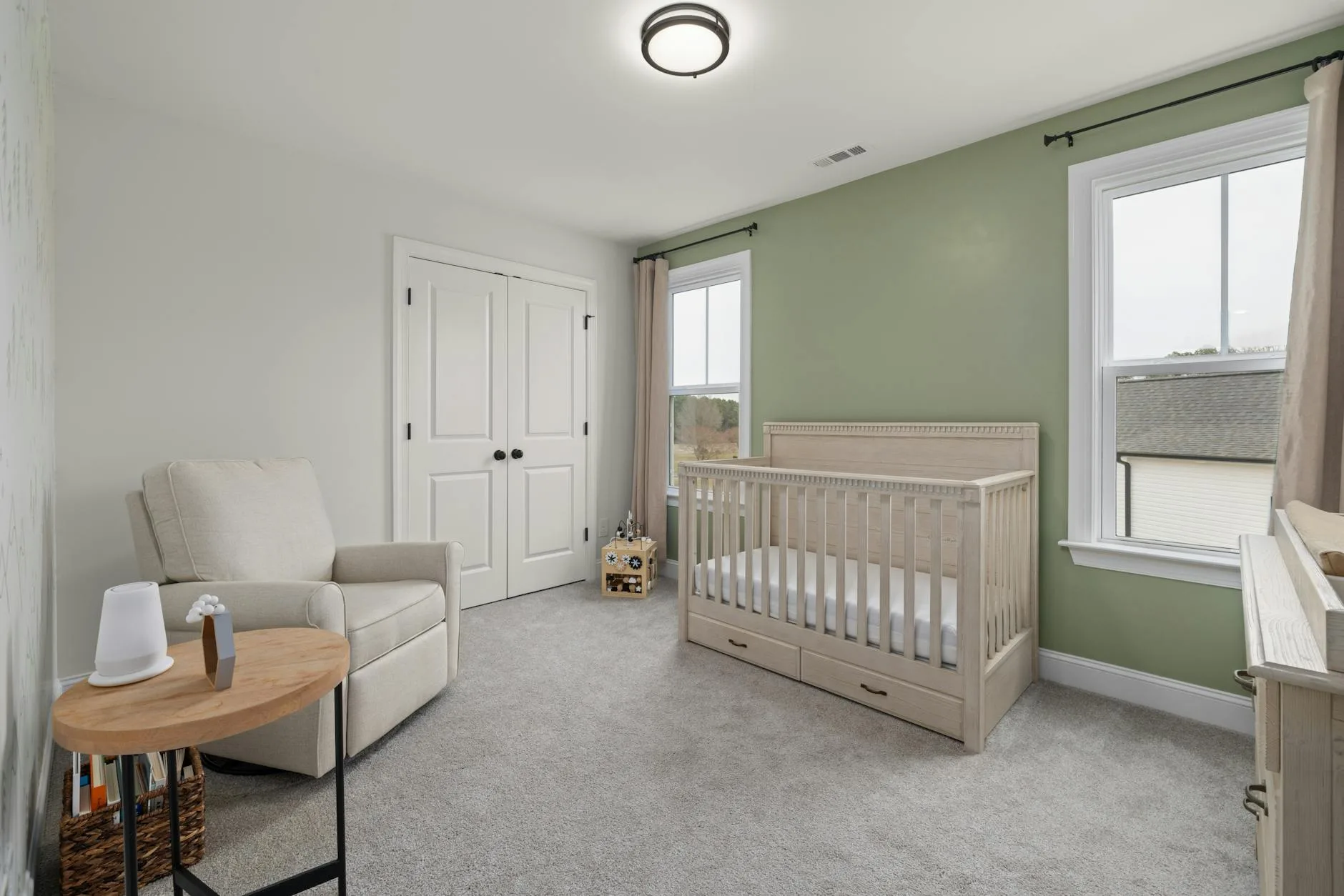
Setting Up for Best Results
Camera Placement
- Height: mount at least 1 metre above the cot, angled downward. This gives a full view of the sleeping space
- Distance: 1-2 metres from the baby. Close enough for clear video, far enough that cables are out of reach
- NEVER in the cot — cables are a strangulation risk. Wall-mount or shelf-mount only
- Avoid windows — backlight from windows blinds the camera during daytime
Testing
- Walk the house with the parent unit to confirm range in every room
- Check night vision — turn off lights and verify you can see the baby clearly
- Test the audio — whisper near the camera and confirm the parent unit picks it up at realistic volume
Frequently Asked Questions
At what age can I stop using a baby monitor? There is no fixed age. Most parents stop between 2-4 years old, when the child can call out verbally if they need something and the room is childproofed. Some parents keep a monitor longer for peace of mind, particularly if the child is on a different floor. There is no harm in continuing to use one.
Are baby monitors with breathing sensors worth it? For most healthy, full-term babies, breathing monitors provide reassurance rather than medical necessity. The Lullaby Trust does not recommend them as a means of preventing SIDS — safe sleep practices (back sleeping, firm mattress, appropriate room temperature) are more effective. For premature babies or those with medical conditions, discuss with your health visitor or paediatrician.
WiFi or non-WiFi baby monitor — which is better? Non-WiFi (DECT/FHSS) monitors are more reliable and more secure. They work during internet outages and cannot be hacked remotely. WiFi monitors offer remote access from anywhere and usually better video quality. For most parents, non-WiFi is the better default unless you specifically need to check from outside the house.
Do baby monitors interfere with WiFi? DECT monitors operate on 1.9GHz — completely separate from WiFi (2.4/5GHz) so no interference. Older analogue monitors on 2.4GHz can interfere with WiFi. WiFi-based monitors use your existing network and can slightly increase congestion if streaming HD video constantly, but modern routers handle this without issues.
How much should I spend on a baby monitor? £70-150 covers the sweet spot for most parents. Below £70, you are looking at audio-only or very basic video. £70-150 gets reliable video with night vision, temperature display, and two-way talk. Above £150, you are paying for smart features (sleep tracking, phone access, breathing monitoring) that are nice-to-have rather than essential.