You’ve spent £120 on a baby monitor, unboxed it, charged it, and stuck it on the chest of drawers pointing roughly at the cot. The view on the parent unit shows approximately 40% ceiling, 30% wall, and a sliver of baby head in the bottom corner. You adjust it. Now it’s 60% mattress and half a sleeping bag. The camera has a perfectly good lens — the problem is where you’ve put it. Monitor placement makes the difference between a useful view and an expensive night-light. Here’s how to get it right.
In This Article
- Why Camera Position Matters More Than Camera Quality
- The Ideal Viewing Angle
- Wall Mounting vs Shelf Placement
- Where to Mount Relative to the Cot
- Safety First: Cable Management
- Dealing with Night Vision
- Common Positioning Mistakes
- Positioning for Different Room Layouts
- Repositioning as Your Baby Grows
- Frequently Asked Questions
Why Camera Position Matters More Than Camera Quality
You can buy a monitor with 1080p resolution, night vision, two-way audio, and smart tracking — and still get a useless view if the camera is in the wrong spot. The best monitors we’ve tested in our baby monitor guide are only as good as their placement.
What You Need to See
At minimum, you want a clear view of:
- Your baby’s face and chest — so you can check they’re breathing normally and haven’t rolled onto their face
- Their sleeping position — back, side, or front. The Lullaby Trust recommends babies always sleep on their back
- The entire cot — not just the centre. Babies migrate. A newborn who started in the middle can be wedged against the bars by morning
- The cot edges — so you can see if an arm or leg has poked through the bars
What’s Optional but Useful
- The room beyond the cot — helpful when your toddler starts climbing out
- The door — so you can see if an older sibling has wandered in
- A clock or temperature display — some monitors overlay this on the video feed
The Ideal Viewing Angle
Height
The camera should be positioned above cot height, looking down at roughly 30-45 degrees. This gives you a view of the baby’s face, body position, and the full cot surface. Too high (looking straight down from the ceiling) and you lose facial detail. Too low (at cot rail level) and you see the side of the mattress and not much else.
The Sweet Spot
For most cot setups, mounting the camera at 150-180 cm from the floor (roughly head height or slightly above) gives the best angle. This puts the camera about 60-90 cm above the top of the cot rails, which is the range where most monitor lenses produce a useful image.
Distance
Most monitors produce the best image when the camera is 1-2 metres from the baby. Closer than 1 metre and the wide-angle lens distorts the image (the baby’s head looks enormous). Further than 2.5 metres and facial details become unclear, especially in night vision mode.
Wall Mounting vs Shelf Placement
Wall Mounting — The Better Option
Wall mounting gives you complete control over height and angle. Most monitors come with wall-mount brackets and screws. The advantages:
- Fixed position — once set, it doesn’t get knocked or bumped
- Cables run along the wall — easier to keep out of reach (critical safety point)
- Frees up shelf and surface space — nurseries are always short on surfaces
- Better angle — you can position at exactly the right height
How to Wall Mount
- Hold the camera at the planned position and check the view on the parent unit before drilling
- Mark the bracket position with a pencil
- Use appropriate fixings — plasterboard anchors for stud walls, masonry plugs for brick
- Route the cable along the wall using cable clips, then down behind furniture to the socket
- Secure any loose cable with cable ties — more on this below
Shelf Placement — The Fallback
If you’re renting or don’t want to drill, a shelf, bookcase top, or chest of drawers works. The key issues:
- Stability — the camera must be stable and not at risk of being knocked off. Use a non-slip pad or adhesive putty underneath
- Cable routing — the cable running from the shelf to the socket must be completely inaccessible to the child. This is harder to achieve with shelf placement
- Height — most furniture surfaces are 80-100 cm high, which is lower than ideal. You might need to angle the camera upward, which gives a less useful view
Where to Mount Relative to the Cot
The Corner Position (Best for Most Rooms)
Mount the camera in the corner of the room that gives a diagonal view across the cot. This shows the full length of the cot in a single frame and captures both the baby’s face and body. If the cot is against one wall, the best camera position is usually on the adjacent wall.
The Foot-End Position
Mount the camera on the wall at the foot of the cot, looking along the length of the baby. Good for seeing the face clearly when the baby is placed feet-to-foot (as recommended by safe sleep guidelines). Less useful for seeing the full width of the cot.
The Side-Wall Position
Camera on the wall beside the cot, looking across. Shows the baby from the side — you can see if they’re on their back or front, but facial detail is less clear. This is the fallback when the corner and foot-end positions aren’t practical.
Avoid: Directly Above
Mounting the camera on the ceiling directly over the cot gives a bird’s-eye view. It sounds logical, but in practice the image is oddly flat — you can’t judge whether the baby is face-up or face-down as easily as from an angled view. It also means running a cable across the ceiling, which is messy unless you chase it into the plaster.
Safety First: Cable Management
This is the most important section in this article. Cables and babies are a lethal combination.
The Risk
A trailing monitor cable near a cot is a strangulation hazard. This isn’t theoretical — there have been infant deaths in the US and UK linked to monitor cables within reach of the cot. The risk increases sharply once a baby can sit up, reach, and grab (from about 4-5 months).
The Rule
No cable should be within 1 metre of the cot. Not close but tucked away. Not running along the cot rail. Not dangling from a shelf above the cot. Nowhere a baby could possibly reach, pull, or get tangled in.
How to Route Cables Safely
- Run cables along the wall using cable clips or trunking, at height rather than along the skirting board
- Behind furniture — route the cable behind the chest of drawers or wardrobe to the socket
- Cable conduit — plastic cable conduit (about £3-5 from Screwfix or B&Q) covers the cable and screws to the wall. Neat and safe
- Battery-operated monitors — if cable routing is impossible, consider a battery or rechargeable monitor that eliminates the cable entirely. Our battery life guide covers the best options
Check Regularly
As your baby grows, their reach increases. A cable that was safely out of reach at 3 months might be grabbable at 8 months when they’re standing in the cot. Re-check cable positions every few weeks during the first year. For a related angle, see our Baby Monitor Range Explained: What Affects Signal Strength? guide.
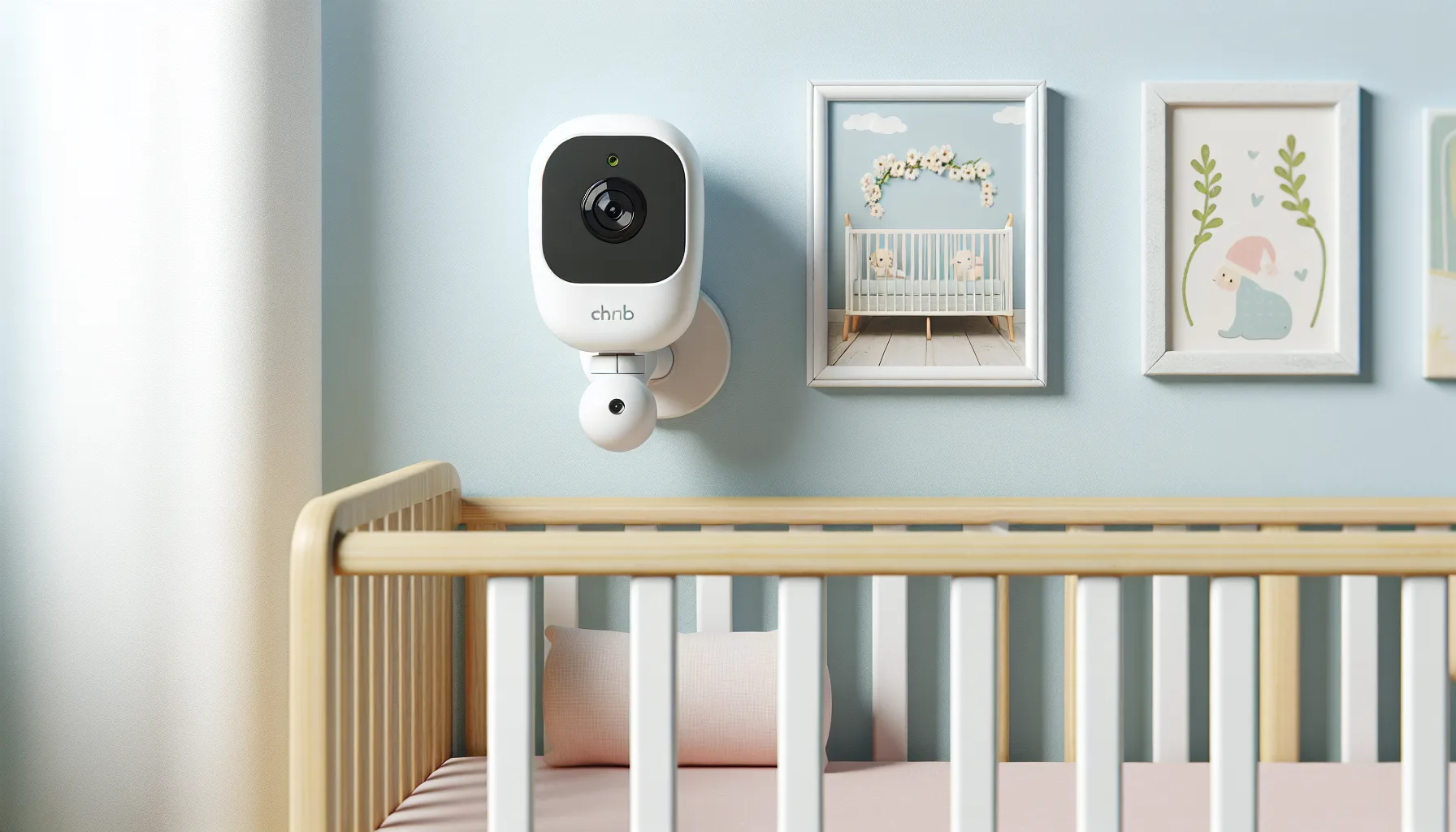
Dealing with Night Vision
Most baby monitors use infrared (IR) LEDs for night vision. The camera sees in the dark, but the image quality depends on positioning.
IR Reflection Problems
If the camera is too close to a wall, the IR light bounces off the wall and creates a bright white-out on one side of the image. This happens when the camera is mounted in a corner with the wall less than 15 cm from the lens. Fix it by angling the camera slightly away from the adjacent wall.
Window Interference
IR night vision can be confused by streetlights or car headlights coming through a window. If your nursery window faces a road, position the camera so it doesn’t look directly at the window. A blackout blind solves this problem and helps your baby sleep better anyway.
Reflective Surfaces
Mirrors, picture frames with glass, and glossy furniture reflect IR light and create bright spots in the image. If your night vision image has random bright patches, look for reflective surfaces in the camera’s field of view and either reposition the camera or cover the reflective item.
Image Quality in Darkness
Most monitors produce a grainy, monochrome image in night vision. This is normal. If the image is too dark or too washed out, adjust the camera’s distance from the baby. Closer usually means brighter but more grain. The sweet spot is typically 1.5-2 metres.
Common Positioning Mistakes
Too Close to the Cot
Placing the camera on the cot rail or clipping it to the side of the cot puts the cable within reach and gives a distorted wide-angle view. Some monitors sell cot-mount clips — we’d avoid these once the baby can grab. Our How to Use a Baby Monitor as a White Noise Machine guide is useful alongside this.
Pointing at a Window
The camera auto-adjusts exposure for the brightest part of the frame. If that’s a window with daylight streaming in, the baby becomes a dark silhouette. Position so the camera looks at the wall side of the cot, not the window side.
On a Surface the Baby Can Reach
By 8-10 months, babies pull themselves up on furniture. A camera on a shelf at cot-rail height is within reach of a standing baby. Mount higher or wall-mount out of reach.
Forgetting About Pan-and-Tilt Limits
If your monitor has remote pan-and-tilt, check the full range from the planned mounting position. Some cameras tilt only 30 degrees down — mounted high on a wall, this might not be enough to angle down to the cot. Test before drilling.
One Position Forever
Your baby’s room layout will change — cot moves, furniture rearranges, the cot converts to a toddler bed. The initial camera position might not work six months later. Plan for re-mounting or choose a shelf position that’s easy to adjust.
Positioning for Different Room Layouts
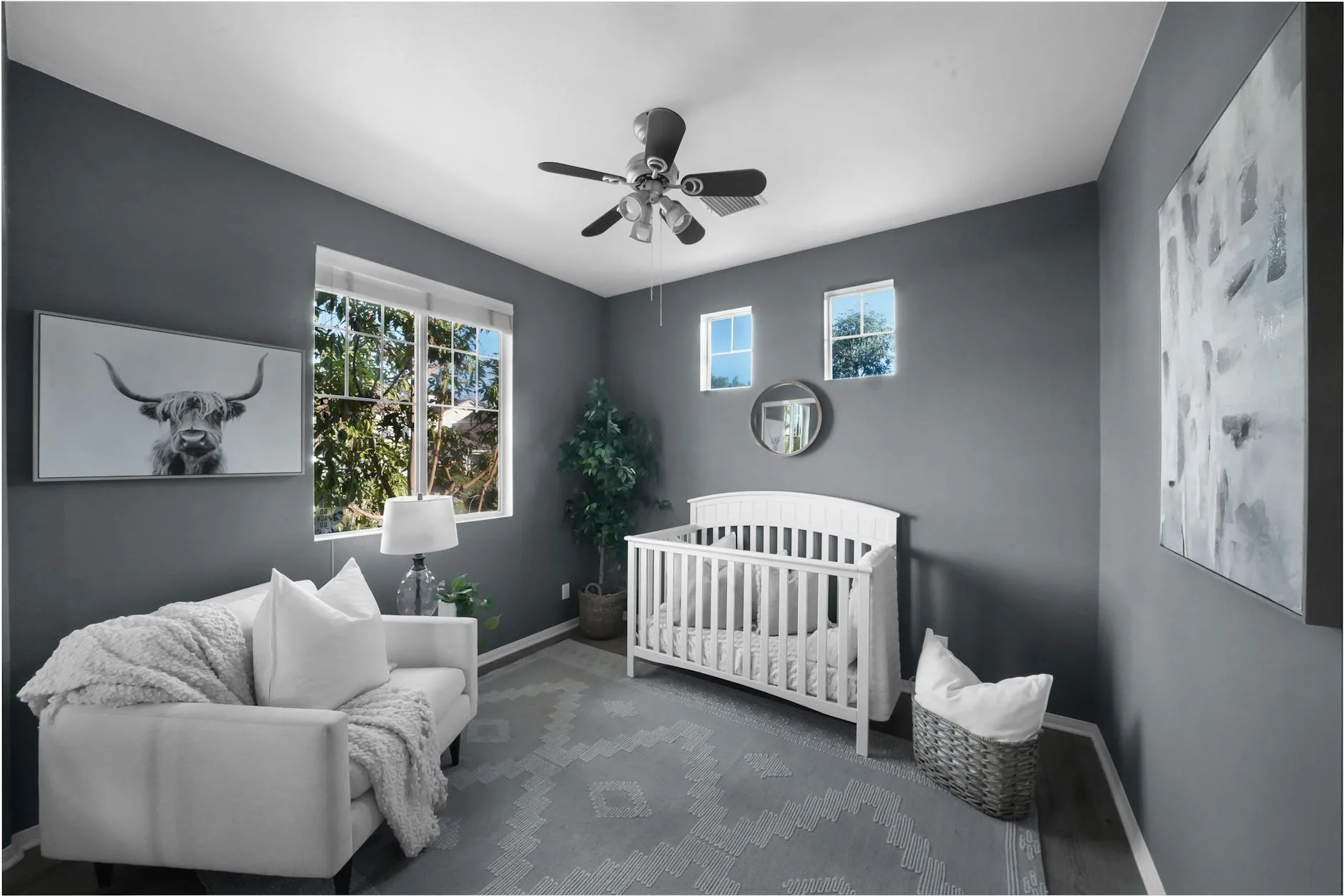
Cot Against the Wall (Most Common)
Camera on the adjacent wall, looking diagonally across the cot. Mount at 150-180 cm height, 1-1.5 metres from the head end of the cot. This gives the best combination of facial view and full-cot coverage. We cover a similar decision in Rear-Facing Car Seats: How Long Should Your Child Stay Rear-Facing?.
Cot in the Middle of the Room
Unusual in small UK nurseries, but if you have the space: mount the camera on the nearest wall at the foot end, high enough to look down over the full cot. You may need a wider-angle lens setting to capture the whole cot from further away.
Cot in a Corner
The trickiest layout for camera placement. Mount on the wall opposite the corner, looking towards the cot. This means the camera is further away (2-2.5 metres), so night vision may be weaker. Alternatively, mount on the wall above the cot looking down at a steep angle — check your monitor’s tilt range first.
Shared Room (Parent and Baby)
When the cot is in your bedroom for the first six months (as recommended by the Lullaby Trust), the monitor is less critical since you’re right there. If you use one anyway — perhaps to watch the baby while you’re downstairs in the evening — mount it temporarily with adhesive strips (Command strips work well) rather than drilling into your bedroom wall for a few months.
Repositioning as Your Baby Grows
Newborn to 4 Months
Camera can be lower and closer. The baby isn’t mobile, so cables are less of a risk (though still keep them 1 metre from the cot as a habit). Focus on getting a clear view of the face.
4-8 Months: Rolling and Sitting
Raise the camera if it’s within potential reach. Babies at this age start reaching, grabbing, and pulling themselves to sitting. Double-check all cable routing. You may also want a wider view as the baby starts moving around the cot.
8-12 Months: Standing and Cruising
The baby can now stand in the cot and reach above rail height. Any camera or cable within arm’s reach of the cot must be moved. Wall mounting at 170-180 cm becomes essential rather than optional.
Toddler: Climbing Out
Once your child starts attempting to climb out of the cot, reposition the camera to show the full room, not just the cot. You need to see them landing on the floor, heading for the door, or getting into whatever they shouldn’t be getting into. A wider angle from the corner of the room works best for this stage.
Frequently Asked Questions
How far should a baby monitor be from the cot? The camera should be 1-2 metres from the baby for the best image, with all cables at least 1 metre from the cot. Closer than 1 metre gives a distorted wide-angle view. Further than 2.5 metres reduces night vision quality and facial detail.
Can I mount a baby monitor on the ceiling? You can, but the bird’s-eye view is less useful than an angled view from the wall. It’s harder to judge sleeping position from directly above, and routing the cable across the ceiling is messy unless you chase it into the plaster. Wall mounting at 150-180 cm gives a better image.
Is it safe to put a baby monitor inside the cot? No. Nothing except a firm mattress, a fitted sheet, and the baby should be inside the cot. A monitor inside the cot is a suffocation and strangulation risk. Always position the camera outside and away from the cot.
What if I can’t drill holes in the wall? Use strong adhesive mounts (3M Command strips rated for the camera’s weight), place the camera on a high shelf secured with adhesive putty, or choose a freestanding monitor with a flexible gooseneck mount that clips onto furniture. Some monitors also work on battery power, eliminating the cable issue.
Do I need to reposition the camera when my baby moves to a toddler bed? Usually yes. A toddler bed is lower than a cot, so the camera angle may need adjusting downward. You’ll also want a wider view to capture the room, since a toddler in a bed can get up and walk around rather than staying in one spot.