It’s 9pm, the baby’s finally down, and you’re sitting on the sofa watching the monitor. But which monitor? A dedicated unit with its own screen sitting on the coffee table, or your phone propped against a cushion with a Wi-Fi camera feed that keeps getting interrupted by WhatsApp notifications? This is the central decision in baby monitors right now: dedicated screen or smartphone app. Both work. Both have serious trade-offs. And the right choice depends entirely on how you live.
In This Article
- Dedicated Screen vs App-Based: The Key Differences
- When a Dedicated Screen Monitor Is Better
- When an App-Based Monitor Is Better
- Best Video Baby Monitors with Screens
- Best App-Based Video Baby Monitors
- Security and Privacy
- Features That Actually Matter
- Setting Up for the Best Picture
- Frequently Asked Questions
Dedicated Screen vs App-Based: The Key Differences
Dedicated Screen Monitors
A camera in the nursery connects directly to a handheld parent unit with its own screen — typically 2.8-5 inches. The connection uses FHSS (Frequency-Hopping Spread Spectrum) or DECT technology, which means it works without Wi-Fi and can’t be accessed from the internet.
Strengths: no Wi-Fi dependency, no app notifications interrupting the feed, no subscription fees, instant connection, typically more reliable, and better privacy (closed system).
Weaknesses: limited range (usually 250-300m line of sight, less through walls), can’t check from outside the house, no cloud recording, parent unit battery needs charging.
App-Based Monitors
A Wi-Fi camera in the nursery streams video to your smartphone (or tablet) via an app. Some also offer a web interface. The feed goes through the manufacturer’s cloud servers.
Strengths: check from anywhere with internet, cloud recording and clips, smart notifications (cry detection, movement alerts), often better camera quality (1080p+), no separate parent unit to carry.
Weaknesses: depends on Wi-Fi (if your router goes down, so does the monitor), app notifications compete with everything else on your phone, potential security vulnerabilities, some require subscriptions for full features, and your phone battery drains faster running the feed.
When a Dedicated Screen Monitor Is Better
Reliability Is Your Priority
A dedicated monitor works on a direct radio connection between camera and parent unit. No router, no internet, no cloud servers between you and your baby’s video feed. If your Wi-Fi is unreliable — and UK broadband has its moments — a dedicated monitor never drops because Netflix is buffering downstairs.
I’ve used both types across two children. The dedicated screen monitor (a BT 6000) never once lost connection in the house. The Wi-Fi camera I tried later dropped the feed roughly once a week, usually when my partner was streaming something on the same network. That once-a-week dropout at 2am when you can’t see your baby is enormously stressful.
You Don’t Want Your Phone Tied Up
With a dedicated unit, your phone is free. You can scroll, message, call, watch videos — all without interrupting the baby monitor feed. With an app-based monitor, the feed runs as an app on your phone. Switching to another app often pauses or minimises the monitor. Some keep the audio running in the background, but the video typically stops.
For parents who use their phone as their primary evening entertainment (which is most of us), a dedicated screen means no compromise.
Privacy Concerns
Dedicated monitors are closed systems — the signal goes from camera to parent unit and nowhere else. No cloud servers, no internet exposure, no app permissions, no data sharing. Our guide to Wi-Fi vs non-Wi-Fi baby monitors covers the security differences in detail.
When an App-Based Monitor Is Better
You Want to Check from Outside the House
Going out for dinner while a babysitter watches the kids? An app-based monitor lets you check the nursery from the restaurant. A dedicated screen monitor stops working beyond about 300m. For parents who travel for work or want grandparents to check in remotely, app-based is the only option. For a related angle, see our Best Baby Monitors 2026 UK: Video, Audio & Smart Picks guide.
You Want Smart Features
App-based monitors typically offer:
- Cry detection — alerts you when the baby cries, even if you’re not watching the feed
- Movement tracking — some cameras track sleep movement patterns
- Time-lapse sleep summaries — review the night’s sleep in a quick clip
- Two-way audio — talk to your baby (or toddler) through the camera
- Cloud recording — review clips from earlier in the night
For parents who want data and insights — especially those using smart baby monitors with breathing tracking — app-based systems are the way forward.
You Already Have a Smart Home Setup
If you’ve got Alexa, Google Home, or HomeKit running in the house, some Wi-Fi baby cameras integrate directly. “Show me the nursery” on an Echo Show or Google Nest Hub gives you a live feed without touching your phone. This is a really useful feature that bridges the convenience gap between dedicated screens and app-based systems.
Best Video Baby Monitors with Screens
BT Video Baby Monitor 6000 — Best Overall Screen Monitor
- Price: about £100-130
- Screen: 2.8-inch colour LCD
- Range: 300m (line of sight)
- Night vision: yes (infrared)
- Features: temperature display, two-way talk, lullabies, pan/tilt/zoom
- Why: rock-solid reliability. The BT 6000 has been the UK’s bestselling dedicated monitor for years, and the reason is simple: it works, every time, without fuss. The picture quality isn’t 4K, but at 2.8 inches it doesn’t need to be — you can clearly see whether the baby is settled, awake, or standing up
Motorola VM85 Connect — Best Hybrid (Screen + App)
- Price: about £130-160
- Screen: 5-inch colour LCD
- Range: 300m + Wi-Fi app
- Night vision: yes
- Features: dedicated screen AND Wi-Fi app, split-screen for two cameras, temperature and humidity display
- Why: the best of both worlds. Use the dedicated screen at home for reliability, switch to the app when you’re out. The 5-inch screen is large enough to leave on a shelf and glance at from across the room. This is what I’d buy if starting from scratch
VTech VM5463 — Best Budget Screen Monitor
- Price: about £70-90
- Screen: 5-inch colour LCD
- Range: 300m
- Night vision: yes
- Features: pan/tilt/zoom, temperature sensor, two-way talk, lullabies
- Why: a lot of monitor for the money. The 5-inch screen is the same size as premium models, and the pan/tilt/zoom means you can adjust the view from the parent unit without going into the nursery. Build quality is a step below BT or Motorola, but at this price that’s expected
Best App-Based Video Baby Monitors
Nanit Pro — Best App-Based Overall
- Price: about £250-300
- Features: 1080p HD video, sleep tracking analytics, breathing motion monitoring (with Breathing Wear band), cry alerts, time-lapse sleep summaries
- Subscription: Nanit Insights (sleep analytics) requires a subscription after the first year (about £5-10/month)
- Why: the most thorough app-based monitor available. The sleep analytics are actually useful — not just gimmicks. The breathing motion feature (using a special swaddle or band, sold separately) provides an extra layer of reassurance without the medical-grade complexity of the Owlet
Eufy SpaceView SE — Best Value App-Based
- Price: about £100-130
- Features: 720p video, no subscription required, local storage (SD card), pan/tilt, night vision
- Why: Eufy’s selling point is no subscription fees, ever. All footage stays local on an SD card — nothing goes to the cloud unless you specifically enable it. For privacy-conscious parents who want app convenience without the data implications, this is the sweet spot
Arlo Baby — Best Camera Quality
- Price: about £130-160
- Features: 1080p HD, night vision, air quality sensors (temp, humidity, VOCs), two-way audio, lullabies, integrates with Alexa and HomeKit
- Why: the best picture quality in this roundup. The air quality sensors are a genuine bonus — knowing the nursery’s temperature, humidity, and air quality from your phone gives peace of mind, especially for parents of children with asthma or allergies
Security and Privacy
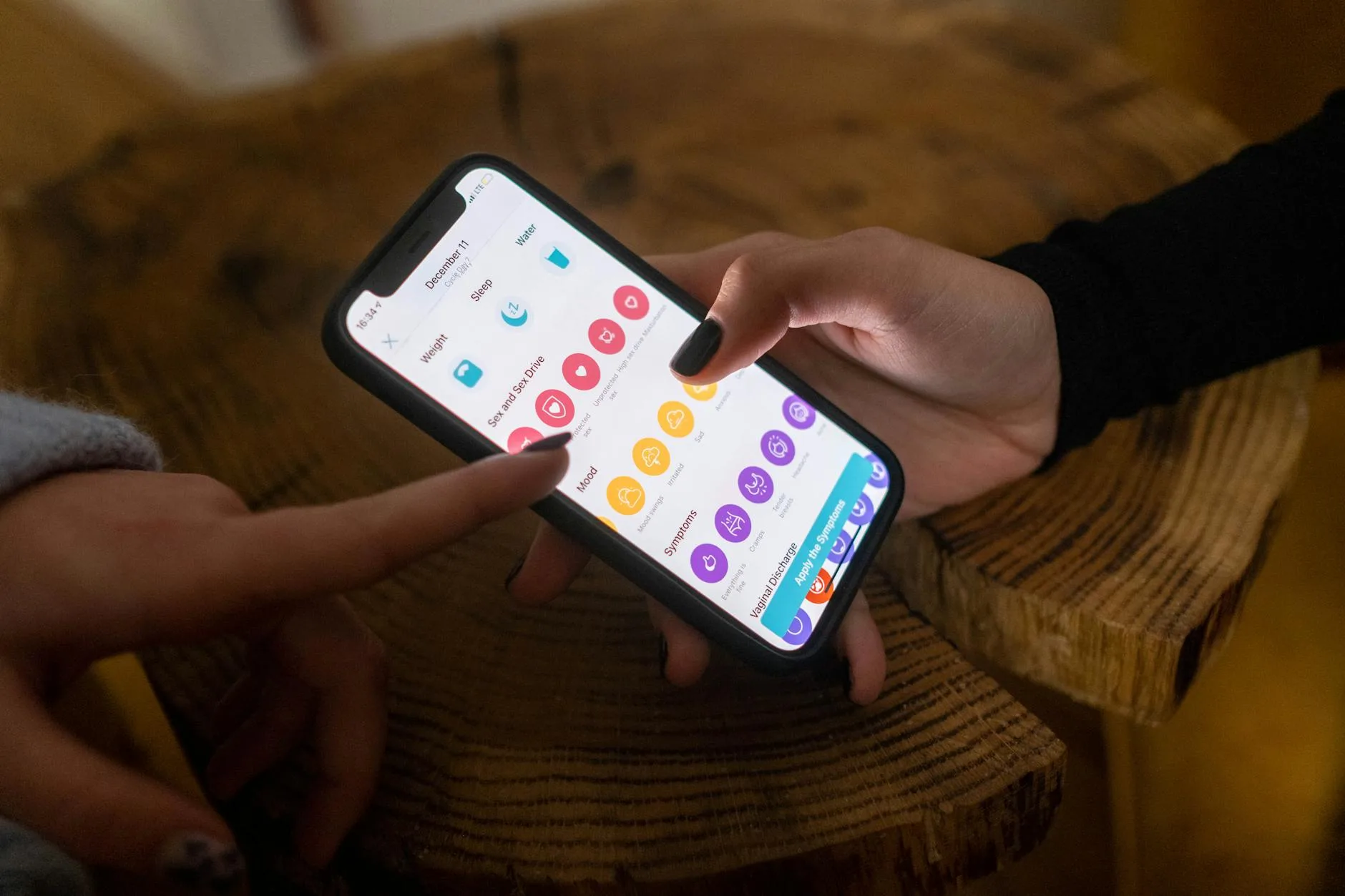
This matters more than most parents realise. Baby monitor hacking is rare but documented — researchers have demonstrated vulnerabilities in several Wi-Fi baby cameras, and there have been real-world incidents of strangers accessing monitors and speaking through them.
Dedicated Screen Monitors: Low Risk
FHSS and DECT signals are encrypted and short-range. Intercepting them requires specialist equipment and physical proximity. For practical purposes, dedicated monitors are secure.
App-Based Monitors: Moderate Risk
Wi-Fi cameras are internet-connected devices, and like all IoT devices, they’re potential targets. Reduce risk by:
- Using strong, unique passwords for the camera account and your Wi-Fi network
- Enabling two-factor authentication if the app offers it
- Keeping firmware updated — manufacturers patch vulnerabilities through updates
- Choosing reputable brands — BT, Motorola, Nanit, Eufy, and Arlo all have dedicated security teams. Unknown brands from marketplace sellers are higher risk
- Checking the privacy policy — understand what data the company collects and where it’s stored
The baby monitor range guide covers how signal type affects both range and security.
Features That Actually Matter
Night Vision
Non-negotiable. You need to see your baby in a dark room. All monitors in this roundup include infrared night vision, which shows a clear black-and-white image without any visible light disturbing the baby.
Temperature Display
Knowing the nursery temperature without going in is useful — the Lullaby Trust recommends keeping the room between 16-20°C. Most monitors display this on the parent unit or app.
Two-Way Audio
Being able to say “it’s okay, go back to sleep” through the monitor without going into the room is genuinely useful for toddlers. Less so for newborns who need physical comfort, but as they grow it saves trips.
Pan/Tilt/Zoom
Adjusting the camera angle from the parent unit (or app) means you can follow your baby as they move around the cot — and later, around the room. Without it, you’re physically repositioning the camera every time they shift to a corner.
Battery Life
For dedicated monitors, parent unit battery life matters. A unit that dies at 3am and needs plugging in defeats the purpose of portability. Look for 8+ hours in video mode or 24+ hours in audio-only mode.
Setting Up for the Best Picture
Camera Height and Angle
Mount the camera high — at least 1.5m above floor level, looking down into the cot at roughly a 45-degree angle. This gives the widest view and prevents the baby from reaching the camera (a real risk once they start standing).
Wall mounts are safer than shelf placement. A camera on a shelf with a trailing cable is a strangulation hazard. Most monitors include a wall-mount bracket.
Night Vision Positioning
Infrared night vision works best when the camera isn’t too close to a wall or corner — the IR LEDs can bounce off nearby surfaces and wash out the image. Leave at least 30cm of clear space in front of the camera.
Wi-Fi Signal (App-Based Only)
If the nursery is far from your router, the camera’s Wi-Fi signal may be weak. Symptoms: choppy video, delayed alerts, dropped connections. A Wi-Fi extender in the hallway near the nursery (about £20-30) solves this reliably.
Frequently Asked Questions
Is a dedicated screen or app-based baby monitor better? Neither is universally better. Dedicated screens are more reliable and private. App-based monitors are more flexible and feature-rich. If reliability and simplicity are priorities, choose a dedicated screen. If remote access and smart features matter, choose app-based. Hybrid models like the Motorola VM85 offer both.
Can baby monitors be hacked? Dedicated screen monitors are extremely difficult to intercept. App-based Wi-Fi monitors have potential vulnerabilities, though real-world hacking is rare. Use strong passwords, enable two-factor authentication, keep firmware updated, and buy from reputable brands to minimise risk.
Do I need a subscription for a baby monitor app? Some monitors require subscriptions for premium features (cloud recording, sleep analytics). Eufy is notable for offering full functionality with no subscription. Check before buying — ongoing costs can exceed the initial purchase price over a year or two.
How far do dedicated baby monitors reach? Most rated for 250-300m in open air. Through walls and floors, expect 50-100m in a typical UK house. If you have a large or thick-walled property, check the range rating and consider a monitor with DECT technology, which handles walls better than FHSS.
Can I use a regular security camera as a baby monitor? Yes, technically. Wyze, TP-Link Tapo, and Reolink cameras all work. However, they lack baby-specific features (cry detection, temperature alerts, lullabies, dedicated parent unit), and audio quality through a security camera is typically worse. A dedicated baby monitor is worth the small premium.