Two-room baby monitors are worth buying only if the parent unit makes switching between children effortless. For twins, siblings, or a baby plus toddler in separate rooms, a single-camera monitor usually turns into a nightly guessing game: which room made that noise, which camera is muted, and why did the app choose now to buffer?
In This Article
- Two-Room Baby Monitors: The Practical Answer
- Split Screen, Scan Mode or App Switching
- Twins in One Room vs Siblings in Two Rooms
- Wi-Fi or Non-Wi-Fi for Two Rooms
- Camera Placement, Cables and Safer Sleep
- Alerts, Battery Life and Night Vision
- UK Price Bands and Models to Shortlist
- Setup Mistakes That Make Two-Room Monitoring Worse
- Frequently Asked Questions
Two-Room Baby Monitors: The Practical Answer
The best two room baby monitor twins siblings setup is usually a two-camera video monitor with either true split screen or fast auto-scan audio. True split screen is best for twins or two young children who both need active watching. Scan mode is fine when one child is a baby and the other is an older toddler who mostly needs sound alerts.
The mistake is buying a normal baby monitor and adding a second camera later without checking how the parent unit handles two feeds. Some monitors support extra cameras but only show one at a time. That is workable for daytime naps; it is annoying at 2am when both rooms are quiet until they suddenly are not.
For most UK families I would choose in this order:
- Best for twins: a split-screen non-Wi-Fi monitor with two cameras, around £100-£190.
- Best for siblings in separate rooms: a monitor with scan mode, strong audio alerts and a 5-inch or larger screen, around £90-£180.
- Best for remote checking: a hybrid Wi-Fi monitor with a parent screen plus app access, around £130-£250.
- Best budget workaround: two separate audio/video monitors, around £70-£120 total, but expect clutter and charging faff.
If you already own a decent single-camera model, check the price of an extra camera before replacing everything. Some brands charge £40-£80 for an extra unit, which can be good value if the monitor supports proper scan mode. If the extra camera costs almost as much as a new two-camera kit, move on.
Split Screen, Scan Mode or App Switching
The screen behaviour matters more than the camera resolution. A sharp 2K feed is useless if you have to tap through menus to find the child who coughed. Multi-room monitoring should be boring, instant and obvious.
Split screen
Split screen shows two camera views at once. It is the calmest option for twins because you can see both cots without waiting for the monitor to rotate. The downside is screen size. A 2.8-inch parent unit split in half is tiny. I would look for a 5-inch screen as the minimum, and a 7-inch screen if the monitor sits on a bedside table.
Split screen also needs sensible audio handling. Some monitors show two rooms but only play audio from one selected camera. Others rotate sound or highlight the room with noise. Read that detail before buying, because it changes the whole experience.
Scan mode
Scan mode rotates between cameras every few seconds. This works for siblings where one child is lower risk or older. It is less good for newborn twins because you can miss small movement cues while the screen is on the other camera.
Scan mode is useful if the parent unit has clear sound activation. The monitor should wake the screen or show a room indicator when one camera detects noise. Without that, you end up staring at a silent slideshow.
App switching
App-only switching is my least favourite overnight setup. It can work well for daytime checks, grandparents, or parents away from home, but it depends on Wi-Fi, phone battery, app notifications and account security. If the phone is on silent, updating, or across the room, the monitor is no longer doing its job.
This does not mean Wi-Fi monitors are bad. It means a two-room setup needs a reliable local parent unit first. App access is a bonus, not the foundation.
Twins in One Room vs Siblings in Two Rooms
Twins in one room and siblings in two rooms sound similar, but they need different monitoring habits. Twins often need two camera angles in the same nursery. Siblings usually need one camera per room and stronger audio separation.
Twins sharing a room
For twins in one room, one wide camera can work at first if both cots are close and the image remains clear at night. It becomes weaker when the cots move apart or one cot is partly blocked by furniture. Two cameras give a better view, but only if the parent unit can show both clearly.
Do not mount cameras where a child can reach the cable later. Babies become toddlers quickly, and a neat newborn setup can become a grab hazard. The Lullaby Trust safer sleep advice is a useful reminder that monitors do not replace safe sleep basics: clear sleep space, safe temperature and sensible cot placement still matter more than gadget features.
Siblings in separate rooms
For siblings, audio labelling matters. You need to know which room made the noise without decoding a tiny camera thumbnail. A monitor with named camera labels sounds useful, but beware generated labels or unreadable icons on small screens. In real use, a simple camera 1/camera 2 light and a clear audio alert can be enough.
An older toddler’s room may not need constant video. You might use audio overnight and video only when they call out. That can save battery and reduce the temptation to watch every shuffle.
Baby plus toddler
This is the common awkward setup. The baby needs close monitoring; the toddler needs reassurance, boundary checking and maybe a night-light. A two-camera monitor is useful here, but the toddler camera should not become a performance stage. If they can see the camera and know you are watching, some children treat it as a chat button. Ask me how I know.
Wi-Fi or Non-Wi-Fi for Two Rooms
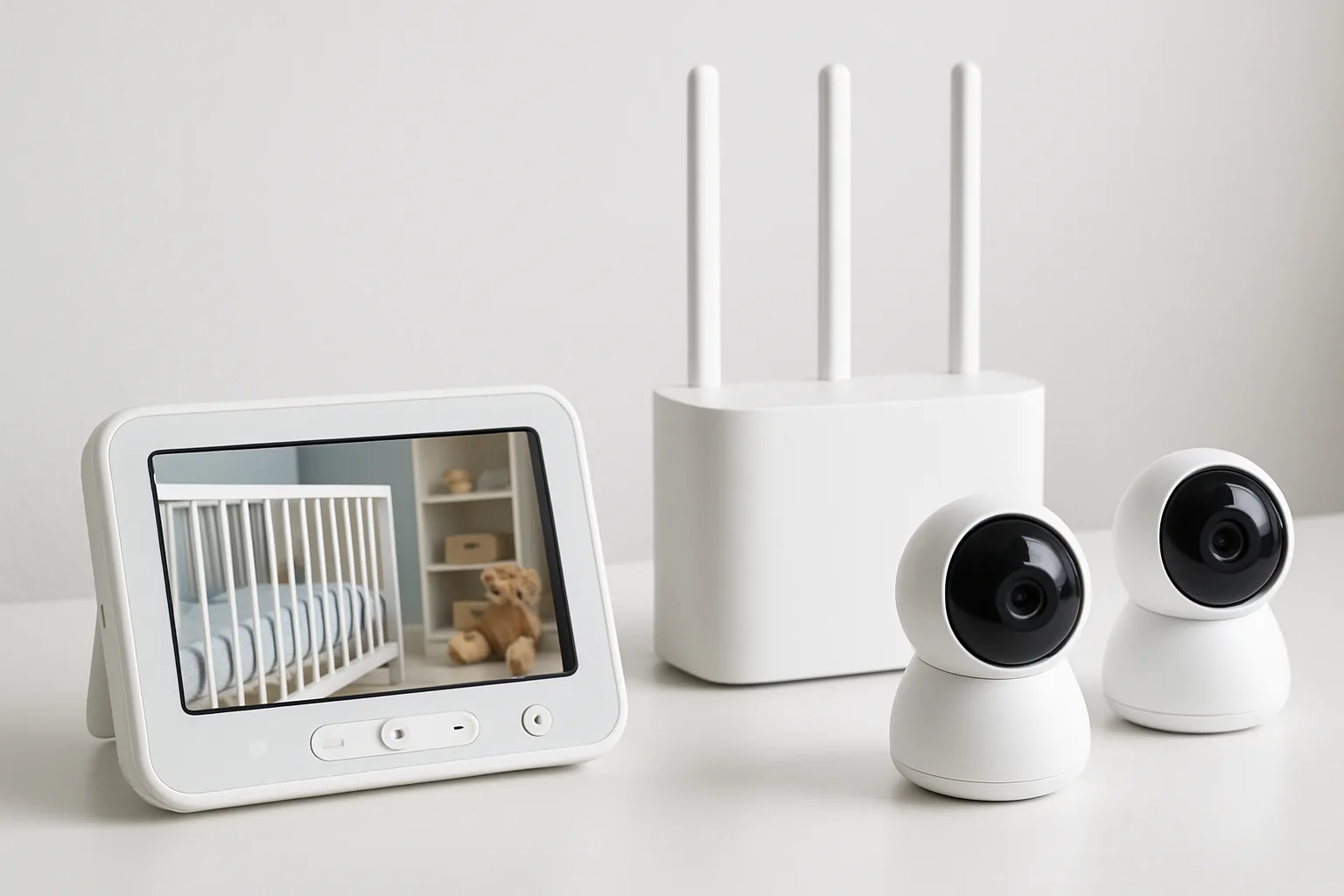
Non-Wi-Fi monitors are usually simpler for overnight use. They use a dedicated parent unit, do not rely on your router, and often have predictable range around a normal UK house. Thick Victorian walls, foil-backed insulation and garden offices can still cause problems, but at least the system is self-contained.
Wi-Fi monitors are better when you want remote app access, cloud clips or smart alerts. They are also more demanding. You need strong Wi-Fi in both rooms, sensible passwords and regular firmware updates. The National Cyber Security Centre smart-device guidance is clear on the basics: change default passwords, keep devices updated and think about what is connected to your home network.
Where non-Wi-Fi wins
Choose non-Wi-Fi if you want the least fuss overnight. It suits parents who want one screen on the bedside table and no app account. Many VTech, Babysense and Motorola-style monitors sit in this category, though model ranges change quickly.
The weakness is remote access. If one parent travels for work and wants to check in from a hotel, a closed monitor will not do that. Personally, I would still prioritise the parent at home over the remote viewer.
Where Wi-Fi wins
Choose Wi-Fi or hybrid if you need app access, a high-resolution feed, or easy viewing from more than one adult’s phone. Hybrid monitors with a parent screen plus app are the sweet spot if your budget allows. You get local viewing for normal nights and app access when needed.
For two rooms, check whether the app can show both cameras at once. Some smart monitors are excellent with one room and clunky with two.
Camera Placement, Cables and Safer Sleep
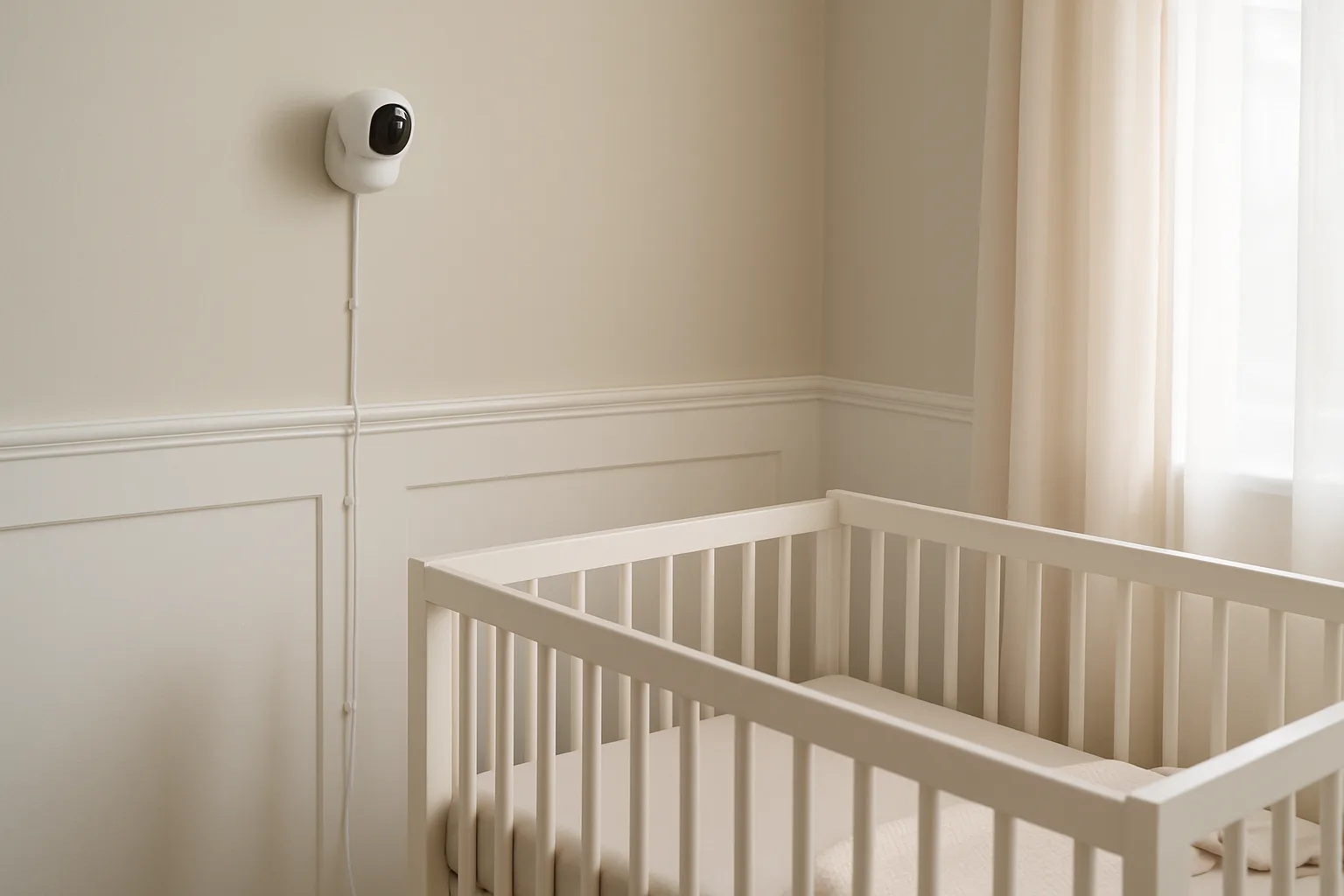
Camera placement is where a lot of two-room setups go wrong. Parents spend £180 on the monitor, then put one camera on a wobbly shelf and run a cable down beside the cot. The view matters, but cable safety matters more.
Keep cables out of reach
Mount cameras and cables well away from the cot, toddler bed and any furniture a child can climb. A newborn cannot reach much. A toddler can turn a chest of drawers into a ladder before you have finished brushing your teeth.
Use cable clips, trunking or a high shelf where the cable drops behind furniture, not beside the cot. A pack of adhesive cable clips is about £4-£8 from Amazon UK or B&Q. Simple white cable trunking is about £5-£12 from Screwfix or Wickes. This is not glamorous, but it is one of the cheapest safety upgrades in the room.
Get the angle before bedtime
Set both cameras during daylight, then check again in night vision. A camera that looks perfect in daylight can flare against white cot bars at night. I like a high corner angle looking down across the mattress, not straight through the bars.
For twins, avoid one camera angle that makes both cots visible but neither child clear. Two adequate close views are better than one wide, vague view.
If you are unsure about height and angle, use the dedicated baby monitor camera positioning guide before drilling holes or sticking mounts to freshly painted walls.
Think about room temperature
Many monitors show room temperature, but treat it as a guide rather than a medical instrument. Units can read warm if they sit near a radiator, sunny window or charging plug. If room temperature is a big concern, compare it with a separate nursery thermometer for a few nights.
This matters in UK homes because bedrooms vary wildly: box rooms over kitchens, loft rooms, draughty sash windows, new-build rooms that hold heat. The monitor is only as useful as its placement.
Alerts, Battery Life and Night Vision
Two-room monitoring is harder on the parent unit. It has more video to handle, more audio decisions to make, and more chances to wake you for the wrong room.
Audio alerts
Look for adjustable sensitivity per camera. One room may have a white-noise machine, traffic noise or a toddler who mutters in their sleep. If both cameras share the same sensitivity, one room can dominate the alerts.
Sound lights are useful. They let you see which room is noisy even with the volume low. This is better than relying on a tiny room label in the corner of the screen.
Battery life
Manufacturers often quote parent-unit battery life under gentle conditions. Split screen, high brightness and constant video reduce it. If you want unplugged evening use, expect a real-world range closer to 4-8 hours on many video monitors, not a heroic all-weekend figure.
For bedside use, keep the parent unit plugged in. For downstairs evenings, buy a spare charger if the brand sells one. A second official charger can cost £10-£25, and it saves the nightly hunt behind the bedside table.
Battery claims are especially slippery with two cameras, so compare them with the baby monitor battery life guide if you need the parent unit away from the mains every evening.
Night vision
Night vision should show sleep position and movement clearly, not just a glowing blob. Check reviews for both cameras, not just the main one. Cheaper add-on cameras can be weaker than the camera bundled with the monitor.
Do not chase colour night vision unless you need it. Black-and-white infrared is often clearer and less distracting.
UK Price Bands and Models to Shortlist
Prices move, but the UK market usually falls into three useful bands. Treat these as shortlist examples, not a claim that one model is right for every house.
Budget: about £70-£120
At this level you are usually looking at basic video monitors, older VTech two-camera kits, or two separate cheaper monitors. Argos has carried VTech video monitors from about £35 for single-camera models, while two-camera kits often sit higher when in stock.
The budget route is fine if you only need sound and a quick look. I would not expect brilliant split-screen clarity or premium battery life.
Mid-range: about £120-£200
This is the strongest band for most families. Babysense HD split-screen monitors have been seen around £99.99-£134.99 in UK deal pricing, and Momcozy’s BM04 5-inch HD baby monitor is listed by John Lewis around £189.99. VTech’s RM7766 7-inch smart Wi-Fi monitor appears around £149.99 at John Lewis, though you may need to check camera expansion and bundle options carefully.
For twins, I would start here. A bigger screen, better night vision and a proper two-camera interface are worth more than app gimmicks.
Premium: about £200-£380
Premium smart monitors such as Nanit Pro packages commonly sit around £249-£379 depending on stand and mount. They can be excellent for one nursery, but two-room costs climb fast if you need extra cameras, subscriptions or mounts.
The premium route makes sense if you value app features, sleep analytics or remote viewing. It is harder to justify if the real problem is simply watching two bedrooms from your own sofa.
Before buying, compare with the existing screen vs app baby monitor guide, the Wi-Fi vs non-Wi-Fi security guide, and the smart baby monitors guide. Those cover the broader buying choices; this article is about the two-room use case.
Setup Mistakes That Make Two-Room Monitoring Worse
The monitor is only half the setup. The rest is placement, expectations and how tired adults use it at night.
Buying resolution instead of usability
A 2K camera sounds better than a 720p camera, but the parent unit interface matters more for two rooms. If switching cameras takes three taps, you will resent it. If the audio source is unclear, you will wake fully just to identify the room.
Putting both cameras on one noisy setting
Two rooms need separate sensitivity. The baby may need tiny noises picked up. The toddler may need a higher threshold so every duvet rustle does not wake you. If the monitor cannot tune each camera separately, expect false alarms.
Forgetting future room changes
Twins may start in one room and move apart. A toddler may move from cot to bed. A baby may move from your room to the nursery. Buy a system that handles the next year, not just tonight.
Treating the monitor as a safety device
A baby monitor helps you hear and see. It is not a substitute for safe sleep, sensible furniture anchoring, cable management, smoke alarms or checking on a child who seems unwell. That sounds obvious, but premium marketing can make monitors feel more protective than they are.
The best two-room setup is the one you trust enough to stop fiddling with. Clear view, clear audio, safe cables, reliable night mode. After that, go to bed.
Frequently Asked Questions
Can one baby monitor watch two rooms? Yes, if it supports two cameras and the parent unit can switch, scan or show both feeds. Check this before buying an extra camera.
Is split screen worth it for twins? Yes. Split screen is especially useful for twins because you can see both cots at once instead of waiting for scan mode to rotate.
Are Wi-Fi baby monitors safe for two rooms? They can be, but only with strong passwords, updates and secure app accounts. A local parent unit is still simpler for overnight use.
Do I need two cameras for twins in the same room? Not always. One wide camera can work for newborn twins, but two cameras are better once cots move apart or one view is blocked.
What screen size is best for a two-room baby monitor? A 5-inch screen is a sensible minimum. A 7-inch screen is easier for split-screen viewing from a bedside table.
How much should I spend on a two-camera baby monitor? Most families should budget £120-£200. Cheaper setups can work, but this price band usually gives better screen size, night vision and alerts.