It is 3.17am, the house is quiet, and you are standing by the cot trying to decide whether your baby is breathing normally or simply sleeping deeply. A movement pad, wearable monitor or smart camera can feel very tempting in that moment.
For many UK families, the question is not whether baby movement monitors are clever. It is whether they are genuinely worth the money, worry and set-up. The cautious answer is: sometimes, for reassurance, but not as a safety guarantee. A consumer baby movement monitor does not prevent SIDS, does not replace safer sleep advice, and should not delay medical help if your baby seems unwell.
In This Article
- The 3am Cot Check Problem
- What Paediatricians Usually Mean by Worth It
- What Baby Movement Monitors Can and Cannot Do
- Types of Movement Monitors Sold in the UK
- Safe Sleep Still Comes First
- Who May Benefit Most
- Who Might Be Better Without One
- How to Choose and Set One Up Safely
- Costs, Retailers and Practicalities
- How Movement Monitoring Fits With Video, Audio and Wi-Fi
- Red Flags That Need Medical Advice
- Frequently Asked Questions
The 3am Cot Check Problem
Baby movement monitors appeal because early baby sleep can look unsettling. Newborns and young babies may breathe irregularly, grunt, wriggle, pause, then settle into very still sleep. On a night-vision camera, that can be hard to interpret, especially when you are exhausted.
In UK shops, a movement monitor may mean an under-mattress sensor pad, a wearable clip, a smart sock, or a camera that claims to track breathing motion. Prices vary widely: simple portable units can cost around £40 to £90, while smart camera or wearable systems can reach £250 to £350 or more. They are commonly sold by retailers such as Argos, Boots, John Lewis, Smyths and Amazon UK.
The useful way to judge them is not by marketing alone. Ask whether the monitor solves a real problem in your home. If it helps you stop repeatedly disturbing a sleeping baby, it may be worthwhile. If it makes you stare at graphs, fear every alarm or feel falsely protected, it may not.
What Paediatricians Usually Mean by Worth It
Paediatricians and health visitors tend to be cautious because consumer movement monitors sit in an awkward space. They can offer reassurance, but they are not the same as clinical monitoring.
Reassurance is not prevention
A baby movement monitor may alert when it stops detecting movement for a set time. That is not the same as preventing a dangerous event. Most consumer devices are not designed to diagnose breathing disorders, oxygen problems, seizures or heart rhythm issues.
The Lullaby Trust gives clear advice that baby monitors are not a substitute for safer sleep practices. Its page on baby monitors and safer sleep is worth reading before buying, particularly if product claims have made you feel under pressure.
Clinicians look at the whole baby
A clinician will usually be more interested in your baby’s colour, feeding, alertness, breathing effort, nappies, temperature and growth than in a consumer app trace. A healthy term baby discharged without special follow-up is different from a premature baby or an infant with a known condition.
For many healthy babies, a movement monitor is best seen as optional comfort equipment. If your baby has been under neonatal or paediatric care, ask the team directly whether home monitoring is recommended and what signs should prompt urgent help.
The anxiety test
A practical question is: would this device help you rest, or would it give you another thing to check? Some parents sleep better with a simple alarm. Others become more vigilant because of notifications and sleep data.
If worry about your baby’s breathing is stopping you from sleeping at all, speak to your GP, midwife or health visitor. Postnatal anxiety is common and support is available. A monitor may be part of a wider plan for some families, but it should not be the only support.
What Baby Movement Monitors Can and Cannot Do
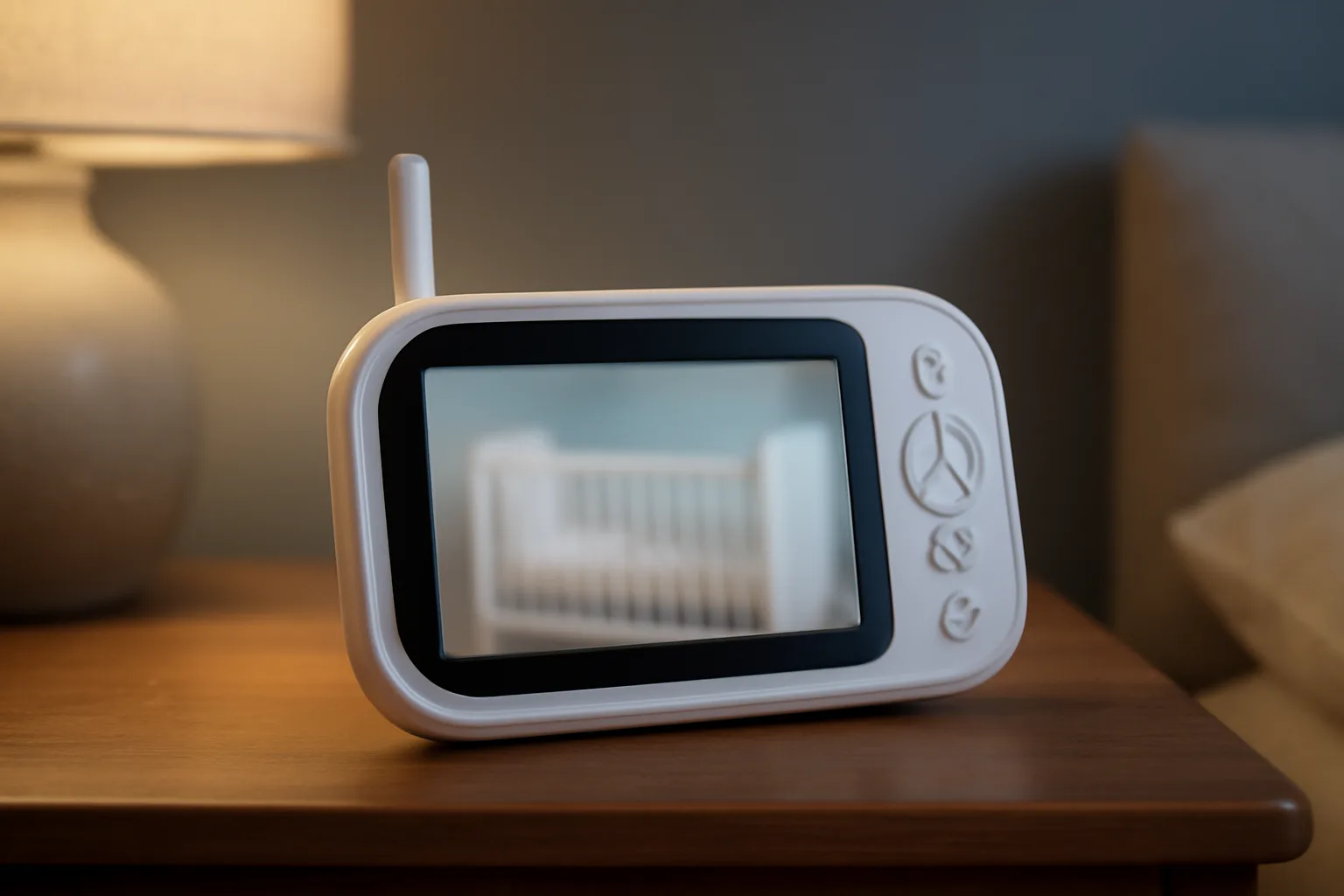
Movement monitors are sometimes described as breathing monitors, but the detail matters. Many devices detect motion associated with breathing. That is not the same as measuring oxygen saturation or proving that a baby is safe.
What they may help with
Depending on the model, a movement monitor may:
- alert if movement is not detected for a set period;
- show a basic movement or breathing-motion indicator;
- combine alerts with audio, video or room temperature;
- let you check from another room without going in;
- offer reassurance during naps or the move to a separate room.
An under-mattress pad detects tiny movements through the mattress. A wearable clip or sock monitors from the baby’s body. A camera-based system uses visual analysis. Each design has different limits, and none removes the need for normal supervision.
What they cannot promise
A consumer movement monitor cannot promise to:
- prevent SIDS;
- replace placing your baby on their back for sleep;
- make an unsafe sleep space safe;
- diagnose illness, reflux, apnoea or seizures;
- remove the need to seek help if your baby looks unwell.
False alarms can happen if a baby moves out of range, a sensor is poorly fitted, the mattress is unsuitable, the battery is low or the connection drops. Missed alerts are also possible. This is why cautious wording matters.
Read the product claims carefully
Look for wording such as wellbeing, movement tracking or peace of mind. Be wary if a product appears to make medical claims unless it is clearly regulated for that use and has been recommended by your child’s clinical team. If a baby needs medical monitoring at home, that should be arranged through clinicians who can explain the equipment and response plan.
Types of Movement Monitors Sold in the UK
The UK market now includes simple alarms and app-linked smart systems. The right choice depends on your cot, budget, phone habits, Wi-Fi reliability and tolerance for alarms.
Under-mattress sensor pads
Sensor pads sit beneath the cot mattress and detect small movements. Many parents like them because nothing is attached to the baby.
Possible advantages include:
- no wearable item on the baby;
- often available with a parent unit rather than an app;
- suitable for parents who want an alert, not a data dashboard.
Possible drawbacks include:
- compatibility depends on mattress and cot base;
- some travel cots and bedside cribs may not be suitable;
- poor positioning can cause false alarms;
- extra padding or improvised layers should not be added.
Always follow the instructions for your exact model, cot and mattress.
Wearable Clips, Socks and Bands
Wearables attach to the nappy area, clothing, foot or ankle, depending on the brand. They may suit travel or early bedside crib use, provided the manufacturer allows that set-up.
The trade-off is fit and comfort. A wearable should stay positioned correctly without pressure marks, loose parts or cords near the baby. Check minimum age and weight limits, and be cautious if your baby has very sensitive skin or tends to kick devices loose.
Smart camera tracking
Some video monitors use a camera to estimate breathing motion or sleep patterns. They can be useful if you already want a strong video monitor, but they may rely on Wi-Fi, cloud features, app access or subscriptions.
If you are weighing up a parent screen against phone viewing, our guide to the best video baby monitors for screen and app-based use explains the everyday differences.
Hospital equipment is different
Hospital monitors are designed for clinical settings and interpreted by trained staff. A consumer movement monitor is not a home version of neonatal or paediatric ward equipment. If your baby has recently left hospital, follow the discharge advice and ask questions before adding your own monitoring routine.
Safe Sleep Still Comes First
The strongest advice remains simple: safer sleep basics matter more than gadgets. A monitor can sit alongside good habits, but it should never justify a riskier set-up.
The NHS advises placing babies on their back to sleep, in the same room as you for the first six months, on a firm flat mattress, with the head uncovered. The NHS page on helping your baby to sleep safely sets out the public guidance.
The core safer sleep checklist
For most healthy babies, the foundations are:
- place baby on their back for every sleep;
- use a firm, flat, waterproof mattress in good condition;
- keep pillows, duvets, cot bumpers, loose blankets and soft toys out of the sleep space;
- keep baby smoke-free during pregnancy and after birth;
- avoid overheating and keep the head uncovered;
- follow safer advice on room-sharing, feeding and sleep spaces.
A movement monitor does not reduce the need for any of these. It may even make correct set-up more important because sensors usually work best in the environment specified by the manufacturer.
Temperature still matters
Many monitors show room temperature, but readings can vary by placement. A shelf near a radiator, window or camera power supply may not reflect the cot area accurately.
For practical seasonal guidance, see our UK guide to safe room temperature for baby sleep in summer and winter. Treat monitor temperature as a prompt, then check your baby’s chest or back of neck rather than relying on hands or feet, which often feel cool.
Do not alter the cot for the device
Avoid wedges, rolled towels, loose positioning aids, extra padded layers or improvised mounts unless a clinician has specifically advised them. Keep cords well away from the cot and secure camera mounts out of reach, remembering that babies grow and grab quickly.
Who May Benefit Most
A baby movement monitor is most likely to feel worth it when it solves a defined problem without creating a larger one.
Parents repeatedly disturbing sleep
If you keep entering the room to check breathing and accidentally wake your baby, a movement monitor may help you pause. The benefit is not that it makes sleep safe by itself. It may simply reduce unnecessary disturbance while you continue following safer sleep advice.
For some families, a simple parent-unit alarm is calmer than a phone app with graphs and scores. Less information can sometimes mean better rest.
Moving the baby to their own room
UK guidance commonly advises room-sharing for the first six months. After that, moving a baby into a nursery can feel like a big step. A monitor with movement alerts may make the transition feel less abrupt, especially in homes with bedrooms on different floors or thick internal walls.
If your home has range challenges, read our explainer on what affects baby monitor range and signal strength before choosing a model.
Families with specific clinical concerns
Prematurity, neonatal admissions, breathing concerns or cardiac follow-up can understandably make parents more alert. In those situations, advice should come from your baby’s own clinical team.
Ask direct questions: should we use any monitor at home, what symptoms matter, what should trigger 999 or NHS 111, and who do we contact out of hours? A consumer device should not conflict with medical advice.
Who Might Be Better Without One
Some parents are calmer with a reliable audio or video monitor, a clear sleep plan and support from family or professionals.
If false alarms would make things worse
False alarms are a common complaint. They may be caused by positioning, batteries, connection problems, mattress compatibility or a baby moving away from the sensor. Even when the baby is fine, a loud alarm can be frightening.
If you buy one, test it during daytime naps before overnight use. Agree a simple response plan: go to the baby, check colour, breathing, responsiveness and position, then check the device only after you know the baby is well. Call 999 if your baby is blue, floppy, not breathing normally or very hard to wake.
If the app becomes the focus
Sleep scores, breathing-motion lines and trend graphs can be interesting, but they can also make normal baby sleep feel like a performance chart. Babies are noisy, wriggly and inconsistent. A neat graph does not guarantee health, and a messy night does not always mean illness.
If you find yourself watching the app more than your baby’s cues, a simpler monitor may be a better fit.
If money is tight
There is no need to feel guilty if a £250 smart monitor is not realistic. The most important safer sleep steps are usually low-cost: a suitable sleep space, a firm flat mattress, no loose bedding, smoke-free care and sensible temperature management. A basic audio or video monitor may be enough.
How to Choose and Set One Up Safely
If you decide to buy, choose the monitor that fits your actual home, not the one with the boldest claims.
Questions before buying
Check:
- Is it suitable from birth, or only from a minimum age or weight?
- Does it work with your cot, bedside crib, mattress thickness and cot base?
- Does it need Wi-Fi, Bluetooth, a parent unit or a phone nearby?
- What happens during a power cut or broadband outage?
- Are there cords, batteries or wearable parts to manage?
- Can you adjust alarm volume and sensitivity?
- Are important features locked behind a subscription?
- Is there UK support, a warranty and clear instructions?
For connected products, also read the privacy policy and update information.
Set-up for the first week
Use a cautious bedding-in period:
- Read the manual, including age, weight, mattress and clothing restrictions.
- Set it up during a daytime nap while you are nearby.
- Check the alert is loud enough for you, but not placed beside the baby.
- Secure cords exactly as instructed and well out of reach.
- Practise normal events, such as lifting the baby out for a feed.
- Review false alerts before relying on it overnight.
- Re-check the set-up when your baby starts rolling, sitting or pulling up.
A movement monitor is one layer of information, not a babysitter.
Costs, Retailers and Practicalities
Typical UK price bands change with sales, but the rough ranges are useful.
You may see basic clip-on movement monitors from about £40 to £90, under-mattress pads from about £70 to £160, video monitors with movement features from about £150 to £280, and smart wearable or camera systems from about £220 to £350 or more.
Check what is included. One bundle may include a camera, parent screen and sensor pad, while another similarly priced product may rely on your phone for full use. Boots and John Lewis may appeal for returns and guarantees; Argos and Amazon UK may be competitive during promotions.
Also consider ongoing faff: charging routines, replacement batteries, fabric sock parts, subscription features, app compatibility and resale value. A monitor that needs daily attention may become another job. A pad that only works in the main cot may be less useful if your baby naps downstairs.
Second-hand monitors can be risky if cables, batteries, sensors or instructions are missing. For app-based devices, the previous owner must remove the product from their account. Check whether the brand still provides software updates.
How Movement Monitoring Fits With Video, Audio and Wi-Fi
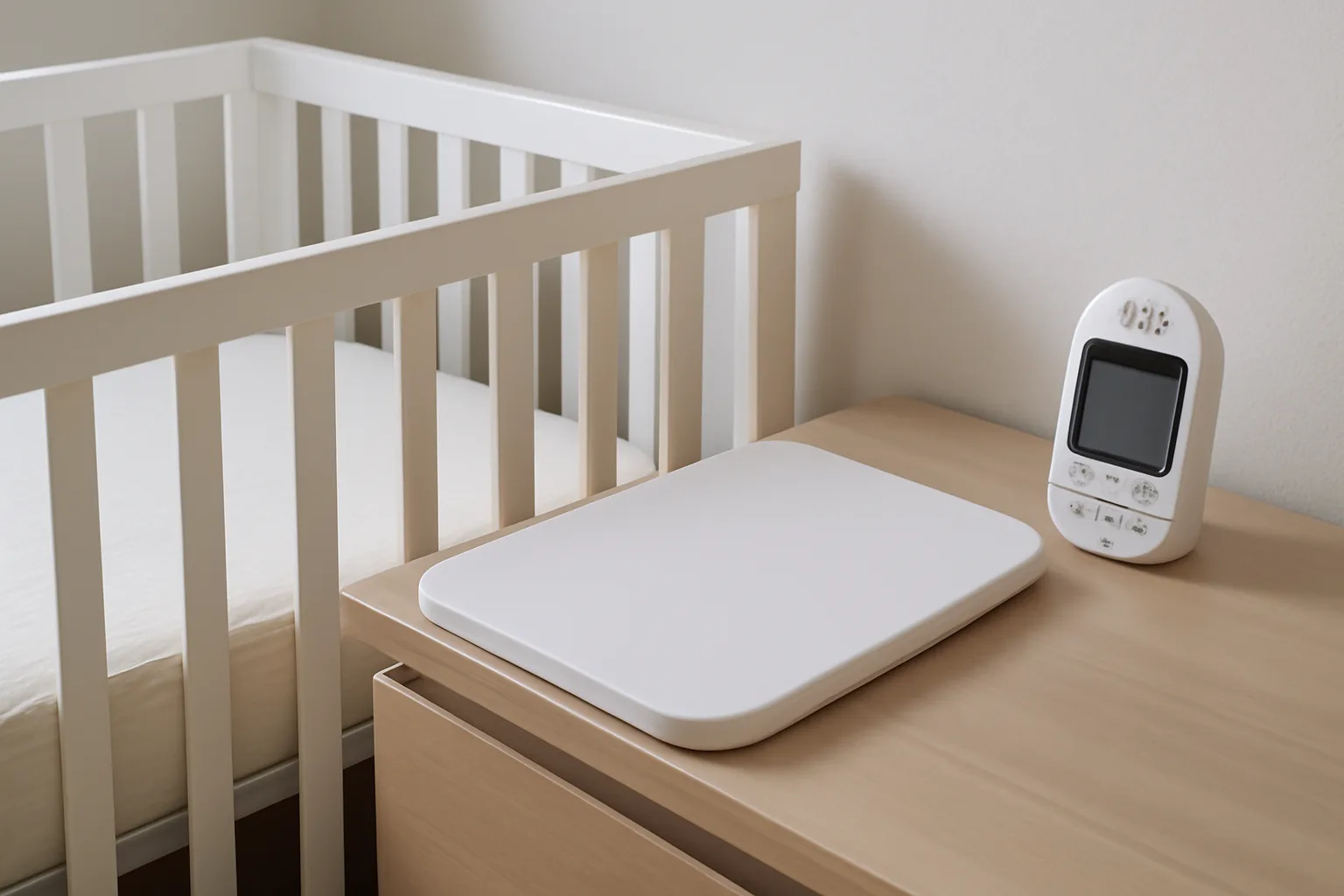
Movement tracking is only one feature. Some parents would rather have excellent audio, stable video and fewer alerts.
Audio, video and range
Audio monitors are often cheaper, reliable and less distracting. Video is helpful once a baby is older and you want to see whether they are standing, stuck in a cot corner or simply chatting. Movement tracking adds information, but it does not replace clear sound or a stable connection.
If you are still choosing the main monitor type, our guide to Wi-Fi vs non-Wi-Fi baby monitors for security and reliability covers the trade-offs between local parent units and app-based viewing.
Smart breathing and movement models
Some systems combine camera, movement and breathing-motion features. They can reduce the number of devices in the nursery, but they also increase dependence on software, updates and your home network.
For higher-end options, see our round-up of smart baby monitors with breathing and movement tracking. Treat feature lists as a starting point, then read safety instructions carefully.
Extra features
Lullabies, two-way talk, night lights and white noise can be useful, but they should not drive the decision if movement monitoring is your main concern. If sleep sound is the priority, our guide to using a baby monitor as a white noise machine explains the pros and limits.
For connected monitors, use a strong unique password, enable two-factor authentication if available, keep apps and firmware updated, avoid sharing logins widely and secure your home Wi-Fi router.
Red Flags That Need Medical Advice
A monitor should never delay action. Go to your baby first, not the app.
Call 999 urgently if your baby:
- is blue, grey, very pale or worryingly mottled;
- is not breathing normally, gasping, or has pauses with colour change;
- is floppy, unresponsive or very difficult to wake;
- has a seizure;
- has severe breathing effort, grunting or ribs sucking in;
- has a temperature of 38°C or above and is under three months old, or you are very concerned.
Contact your GP, health visitor, NHS 111 or paediatric team for repeated unexplained alarms, poor feeding, poor weight gain, unusual sleepiness, persistent vomiting, noisy breathing or episodes that worry you. Notes can help: time, position, feeding, temperature, what your baby looked like and what the monitor showed.
The practical verdict is balanced. For many healthy babies, a movement monitor is worth it only if it lowers anxiety without weakening safer sleep habits. Paediatricians generally do not treat consumer movement monitors as essential safety equipment. If you buy one, choose carefully, set it up properly, and keep your focus on your baby rather than the dashboard.
Frequently Asked Questions
Do paediatricians recommend baby movement monitors for all babies? Usually not. For healthy term babies, consumer movement monitors are generally viewed as optional reassurance rather than essential equipment. If your baby has a medical history, ask your own clinical team.
Can a baby movement monitor prevent SIDS? No. A consumer movement monitor should not be relied on to prevent SIDS. Safer sleep advice, including back sleeping on a firm, flat, clear surface, remains the priority.
Are under-mattress pads safer than wearable monitors? Neither type is automatically safer. Pads avoid attaching anything to the baby, while wearables may suit some set-ups. The safest choice is one suitable for your baby, cot and mattress, used exactly as instructed.
What should I do if the alarm goes off? Go to your baby and check colour, breathing, responsiveness and position. If your baby is blue, floppy, not breathing normally or very hard to wake, call 999. If your baby seems well, check the device and seek advice if alarms repeat.
Is a smart sock worth the extra money? It depends on your budget and temperament. Some parents like wearable data; others find it stressful or fiddly. Check age and weight limits, comfort, app reliability, privacy settings and subscription costs.
Can I use a movement monitor in a next-to-me crib or travel cot? Only if the manufacturer says that sleep space is suitable. Some sensor pads need a firm cot mattress and solid base. Never add wedges, padding or loose items to make a monitor fit.