Last autumn in Bristol, a family was startled awake by voices echoing through their baby’s Wi-Fi monitor. An unknown presence had accessed their nursery camera, highlighting a risk that’s becoming more familiar to parents across the UK. As smart tech edges deeper into family routines, vigilance over home devices—especially those as sensitive as baby monitors—feels more urgent than ever. For many, the sense of security a baby monitor brings can be undermined by fears of hacking. Can anything be done to make smart monitoring a safer part of British home life?
In This Article
- Why Are Wi-Fi Baby Monitors Attractive to Hackers?
- Typical Infiltration Methods Exposed
- Preparing Your Home Network for Device Security
- Choosing a Safer Wi-Fi Baby Monitor
- Step-by-Step: Tighten Up Your Monitor’s Security
- Routine Maintenance and Vigilance
- Responding to Suspicious Behaviour
- Alternatives: Non-Wi-Fi Baby Monitors
- UK-Specific Safety and App Usage Tips
- Advanced Privacy and Security Steps
- Frequently Asked Questions
Why Are Wi-Fi Baby Monitors Attractive to Hackers?
Direct access to the most private spaces of a home motivates hackers to probe Wi-Fi baby monitors. It’s not only the video and audio feed that presents risk—these devices can form bridges into wider smart home setups. Reports from British parents show a variety of frightening scenarios: unknown voices talking to children, moving cameras, even hackers scouring for details like family schedules. Gaps in device security can have real-world consequences.
British Context
UK homes often use routers from ISPs pre-configured with universal passwords. In city flats, dozens of Wi-Fi signals overlap, and open ports can go unchecked in so many smart homes clustered closely. Monitors sold by familiar retailers (Argos, John Lewis, Boots) frequently put convenience ahead of data privacy if not carefully set up.
Impact Beyond the Nursery
A compromised baby monitor may allow deeper penetration into the home network—putting emails, bank details, or other gadgets at risk. Such stories have driven many parents to research safer models or consider non-connected alternatives.
Typical Infiltration Methods Exposed
Hackers often exploit the following weak points in baby monitors:
- Default login credentials (factory usernames and passwords)
- Outdated firmware with unpatched vulnerabilities
- Unencrypted connections between monitor, app, and cloud
- Publicly accessible device interfaces via port forwarding or UPnP (Universal Plug and Play)
- Weak Wi-Fi network security at home
UK consumer research points to the prevalence of easy-to-guess passwords (such as “baby123”) and old routers with basic protection as frequent vectors.
Real Examples From UK Homes
There have been news reports on monitors accessed by former partners, or local hackers seeking thrill rather than data. Some devices remain visible on open internet search engines (like Shodan) if installed unmodified.
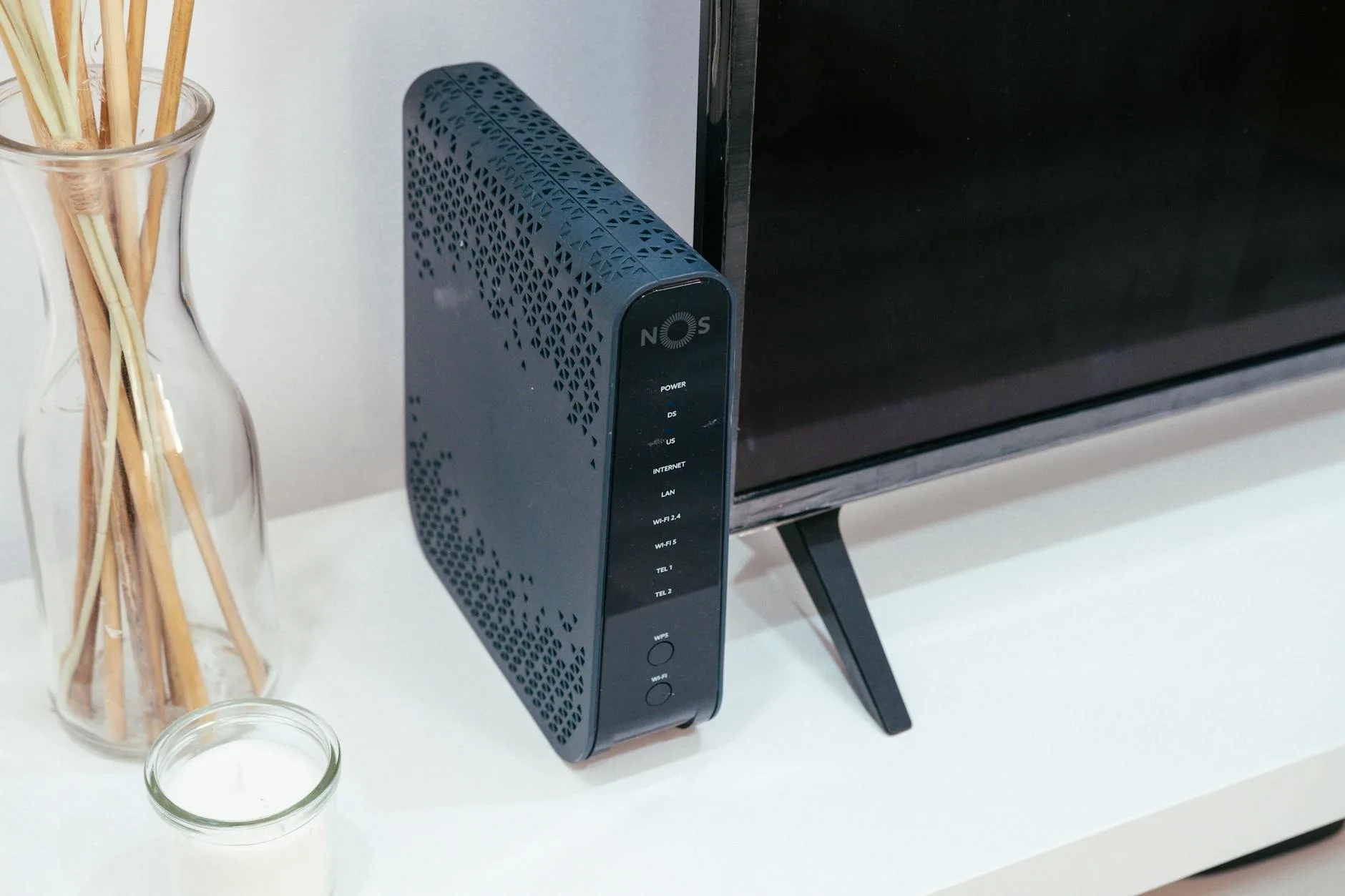
Preparing Your Home Network for Device Security
Before unboxing a new Wi-Fi baby monitor, scrutinise the settings and integrity of your home Wi-Fi.
Set Up Your Router Safely
- Change the admin password from the default, using a strong, unique phrase
- Ensure your Wi-Fi’s SSID is unique (avoid names like “SmithFamily”) and not related to your baby or home address
- Use WPA3 or, if unavailable, at least WPA2 security
- Regularly update your router firmware—major UK ISP brands have step-by-step guides
Create Device Isolation
Home routers from BT, Sky, and Virgin often offer guest or IoT networks. Place your baby monitor on a separate network away from laptops, mobiles, or work devices. This restricts movement if the device is ever compromised.
If your router app makes this difficult, look for a simple “guest Wi-Fi” option first. Give that network a separate password and use it only for smart home devices. You do not need enterprise-grade networking to improve safety; the main aim is to stop a weak nursery camera sitting on the same network as work laptops, banking devices and family phones.
For flats or terraced houses with lots of nearby networks, also place the monitor close enough to the router for a stable signal. Weak Wi-Fi can push some devices into repeated reconnects, delayed alerts or poor video quality, which may tempt parents to loosen security settings. Fix the signal rather than switching off protections.
Disable Unnecessary Features
Review settings for uPnP, WPS, and remote admin access—turn off what you do not use. Manufacturer advice is steadily shifting towards minimising remote management options for non-experts.
For more strategies on securing smart devices within British homes, see the NCSC smart device safety guidance.
Choosing a Safer Wi-Fi Baby Monitor
Navigating shelves—both digital and physical—you’ll find Wi-Fi baby monitors ranging from £40 to £300 across Curry’s, Amazon UK, and John Lewis.
Features That Matter
- Transparent commitment to regular security updates (brands like CuboAi, Nanit, or Eufy)
- End-to-end encryption (look for it in product descriptions or app settings)
- Account-level protections like multi-factor authentication
- App stores with consistent positive privacy reviews and fast developer response times
- Flexible storage (local microSD as an option reduces unwanted cloud exposure)
- Clear privacy policies on the UK website
A well-reviewed roundup—like our Best Smart Baby Monitors with Breathing and Movement Tracking—can help you shortlist the most security-conscious models.
What About Cloud Video?
Cloud-connected monitors give maximum flexibility but increase risk. Whenever possible, choose devices where cloud features are off by default, or that allow you to clear stored video after each session.
Comparisons between display-based and app-based models regarding privacy are detailed in Best Video Baby Monitors 2026: Screen vs App-Based Compared.
Step-by-Step: Tighten Up Your Monitor’s Security
Once you’ve bought a new monitor, work through these steps for a more secure installation:
- Change all default usernames and passwords (never use your baby’s name or common passwords)
- Rename the device in-app so it doesn’t identify your child or home
- Enable encryption for the video feed, both within your Wi-Fi and, if used, across remote internet access
- Apply all available updates before connecting to the main Wi-Fi
- Limit permissions on your chosen iOS or Android app (deny location, contacts, access unless truly required)
- Restrict sharing—review who can access video within the app and prune unnecessary logins
- Set up multi-factor authentication on both the app and manufacturer accounts if offered
Consult the NCSC top tips for staying secure online for in-depth advice on selecting strong passwords and managing accounts.
After setup, test the monitor like a parent, not a technician. Open the app on mobile data rather than home Wi-Fi, confirm whether remote viewing works, then decide whether you actually need that feature. If you only use the monitor while upstairs or downstairs at home, disabling remote access may be the simplest security improvement. Also check whether the app sends login alerts. If it does, leave them on.
Routine Maintenance and Vigilance
Security isn’t a one-off. Even a well-set monitor needs ongoing oversight. Here’s a monthly checklist for UK parents:
- Check for and install app and firmware updates
- Audit account logins in the device’s app; revoke unfamiliar access
- Inspect smart device links (e.g. Alexa, Google Home), disabling any that are no longer in use
- Review app store listings for new privacy notices or recalls
Annual Audit
It’s sensible to run a fuller review each year:
- Confirm that the monitor continues to receive updates from the manufacturer
- Check your router and monitor’s network—isolate further if new gadgets join the household
- Consider retiring models no longer supported (this is especially important after two to three years, as affordable models often lose updates quickly)
When to Replace a Monitor
Replace a Wi-Fi baby monitor if the app has not been updated for a long period, the manufacturer no longer lists the model, or security features disappear behind unsupported software. Also consider replacing it before passing it to another child or relative. Factory-resetting is useful, but an ageing connected camera with no updates is rarely worth keeping just because it still turns on.
If you sell or give away a monitor, remove it from your account first, delete stored video, reset the device and check the app no longer shows it as active. This prevents the next owner inheriting your settings or your account retaining access to their nursery.
Keep the receipt and model number somewhere obvious. If a recall, firmware warning or app change appears later, you can confirm quickly whether your exact monitor is affected and what action is needed. That saves guesswork during a stressful moment.
Responding to Suspicious Behaviour
If your monitor acts erratically—unexpected movements, lights switching on, unfamiliar noises—pause to investigate promptly.
What Should You Do?
- Instantly disconnect the device, removing it from Wi-Fi and power if needed
- Change all app, Wi-Fi, and router passwords
- Check for and apply the latest firmware update
- Contact the monitor manufacturer’s UK support channel for advice
- If you believe your privacy or a crime is involved, contact Action Fraud or your local police force
- Log all unusual activity, including times and descriptions, for follow-up
External resources such as The Lullaby Trust baby monitor advice provide further UK-focused safety insight.
Alternatives: Non-Wi-Fi Baby Monitors
Some families feel most reassured by skipping Wi-Fi altogether. Non-connected monitors (using DECT, FHSS or radio frequency) do not broadcast video or sound outside your home’s walls. Typically, they are available from UK retailers at £30–£100 and work within a limited radius (usually up to 50m indoors).
- Pros: No internet means minimal risk of remote hacking, rapid plug-and-play setup, often very reliable
- Cons: No remote viewing whilst away from home, fewer smart alerts, less flexible camera control
Comparing strengths and weaknesses more thoroughly, our Wi-Fi vs Non-Wi-Fi Baby Monitors: Security and Reliability breaks down real security trade-offs.
For those comparing wider options, see Best Baby Monitors 2026 UK: Video, Audio & Smart Picks to find models matching your peace-of-mind needs.
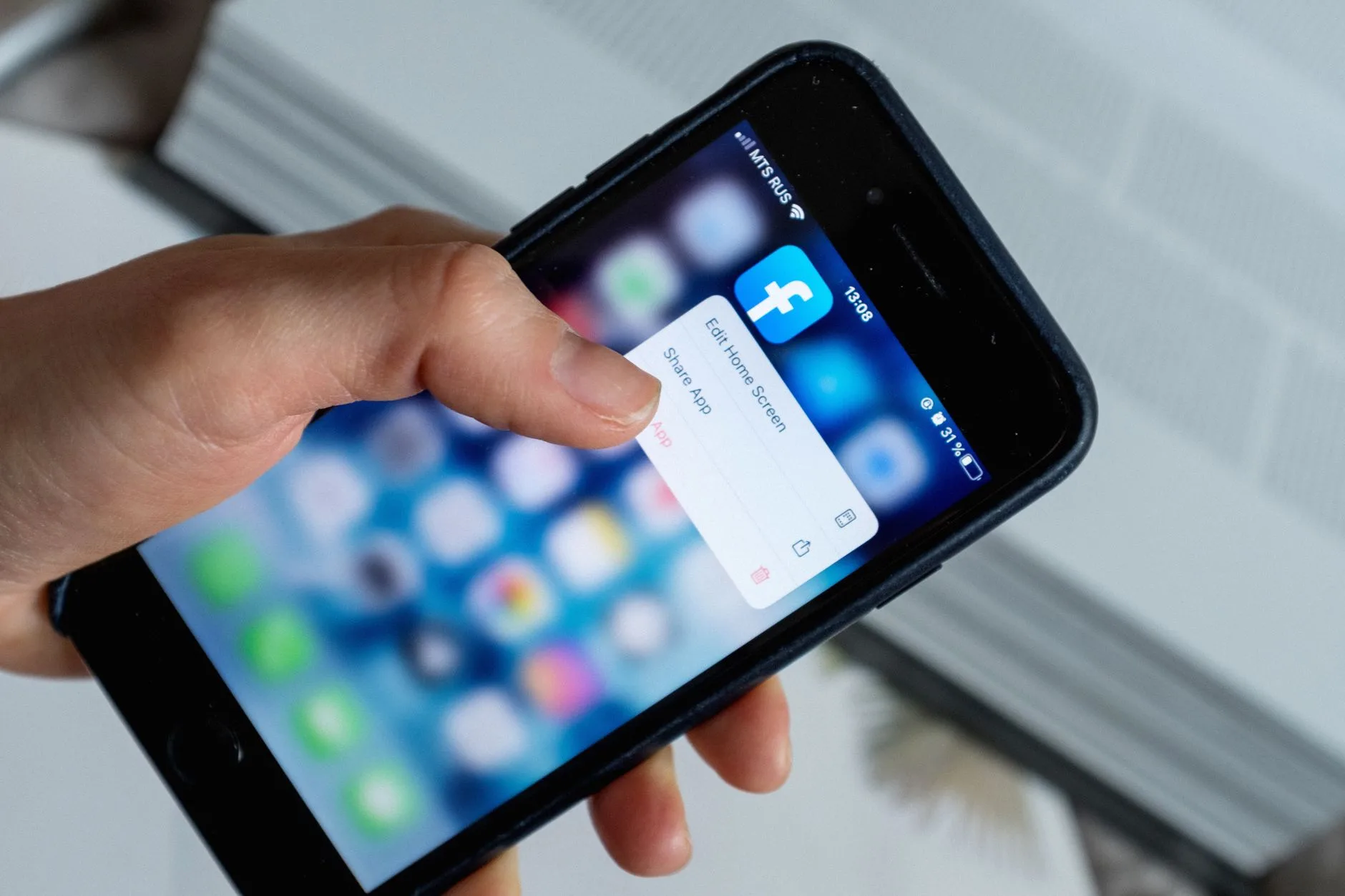
UK-Specific Safety and App Usage Tips
Managing Permissions and Updates
- Only install official manufacturer apps from the App Store or Google Play
- Regularly read app update notes for privacy changes
- Revoke all permissions for microphone, camera, or location when not required for baby monitoring
- Remove the app from older devices if they leave your control (selling or passing on phones/tablets)
Sharing Access
It’s common for UK families to share baby monitor viewing with relatives. Only grant temporary access, review this monthly, and never let unused accounts linger in your app’s login list.
Avoid sharing one password across the household. If the app supports separate users, give each adult their own login and remove it when they no longer need access. That makes it easier to spot unfamiliar sessions and avoids the common problem of a password being saved on an old tablet, work phone or relative’s device.
Careful Camera Placement
Plan camera placement to keep private areas (like windows and doors) out of frame. For practical guidance, read How to Position a Baby Monitor Camera for the Best View.
Keep the camera focused on the cot or sleep space, not the whole room. Avoid capturing changing areas, wardrobes, door locks or anything that reveals daily routines. Good placement also helps safety: cables should be well away from the cot, shelves should be stable, and the monitor should not be placed where a child can reach it as they grow.
Advanced Privacy and Security Steps
For tech-focused homes, device and network segmentation adds another line of defence:
Use Guest Networks and VLANs
Many newer routers from providers such as BT Smart Hub or Virgin Hub 5 let you segment networks. Assign all baby monitors, smart plugs, and similar devices to a network separate from laptops or workstations. This isolates potential compromise.
Physical Lens Covers
Select baby monitors with sliding covers or physical shutters. If not available, consider tape or aftermarket covers to physically obscure the camera when not actively monitoring.
Scheduled Downtime
Many modern baby monitors allow schedule-based automation to disconnect from Wi-Fi at set times (like overnight when the baby is with you). Reduce exposure by using these schedules.
Consider Storage Choices
Where possible, local storage keeps video off the cloud. For models using SD cards, format and clear recordings regularly.
- For guidance on built-in safety features and enhanced security, revisit Best Smart Baby Monitors with Breathing and Movement Tracking.
Frequently Asked Questions
Can Wi-Fi baby monitors be hacked if I use a strong password? Using a unique password is essential, but device firmware must also stay updated and app permissions closely managed. No system is infallible, though robust precautions greatly reduce risk.
What’s the safest way to set up my Wi-Fi baby monitor? Change all default credentials, place the monitor on an isolated Wi-Fi network, enable encryption, and check for firmware updates before first use.
If I hear strange noises or see the camera moving, what’s my first move? Immediately disconnect the device from Wi-Fi and power, change your passwords, and contact the manufacturer for further advice. If criminal action is suspected, report it to relevant authorities.
Are non-Wi-Fi monitors immune to hacking? They greatly reduce the risk of remote hacking via internet but still require care to avoid baby monitor eavesdropping by nearby devices. Always follow manufacturer setup instructions.
How often should I check for updates? Inspect for firmware and app updates monthly or sooner if prompted by the app. Set reminders as part of regular home maintenance routines.
Can I use cloud-based video for my monitor and remain secure? Limit cloud use where possible. If remote viewing is essential, always clear stored footage regularly and activate any support for two-factor authentication.