Hotel rooms make baby monitors awkward because the walls are strange, the sockets are never where you want them, and the cot often ends up in the one corner with the worst signal. Using a baby monitor in a hotel room is mainly about three checks: can the signal reach, can you power it safely, and is the sleep space still clear and sensible? Sort those before bedtime, not after a long travel day with a tired baby.
In This Article
- Using A Baby Monitor In A Hotel Room: Range, Sockets & Sleep
- Check Range Before You Rely On It
- Sockets, Adaptors And Charging
- Where To Put The Camera Or Audio Unit
- Sleep Safety Comes Before The Monitor
- Wi-Fi, Non-Wi-Fi And Hotel Networks
- What To Pack And What To Skip
- Frequently Asked Questions
Using A Baby Monitor In A Hotel Room: Range, Sockets & Sleep
The best hotel setup is usually simple: put the baby unit near the travel cot but out of reach, keep cables well away from the cot, test the parent unit from the exact place you plan to sit, and use a safe sleep space rather than trying to make the monitor solve every worry. A monitor is useful. It is not a babysitter, and it does not turn an unsafe cot setup into a safe one.
For most UK families, the easiest travel monitor is a basic non-Wi-Fi audio or video model with a rechargeable parent unit. Audio-only monitors such as the VTech DM1111-style models are often around £20-£35 at Argos or Amazon UK. Simple screen-based video monitors from VTech, LeapFrog or Motorola often sit around £80-£150. Smart Wi-Fi models can be useful at home, but hotel Wi-Fi makes them more hit-and-miss.
Do the setup in this order:
- Place the cot first. Keep it away from loose blind cords, heaters, radiators, doors and dangling cables.
- Place the monitor second. Put it where it can hear or see without being inside the cot or within grabbing distance.
- Test the range third. Walk to the balcony, bathroom, sitting area or adjoining room you actually plan to use.
- Sort power last. Charge the parent unit, check the baby unit cable route, and avoid trailing leads.
This article is not another ranking of the best baby monitor. LittleGearUK already has guides to screen vs app-based video monitors, Wi-Fi vs non-Wi-Fi monitor security and baby monitor range. This is the practical hotel-room version: what changes when you are away from home and the room layout is not yours.
What I would take
For a short UK hotel stay, I would take a small non-Wi-Fi video monitor if I already owned one. It avoids app logins, captive hotel Wi-Fi pages and the faff of pairing devices late at night. If I only had an audio monitor, I would still take it; audio is often enough in one hotel room, especially if the cot is nearby.
If buying mainly for travel, I would rather spend £80-£100 on a simple video monitor with a decent parent-unit battery than £200+ on a smart system that depends on Wi-Fi. Keep the smart features for home unless you know the hotel network will play nicely.
Check Range Before You Rely On It
Baby monitor range claims are usually measured in ideal conditions, not through hotel fire doors, concrete walls, lift shafts and corridor corners. A box might claim 300 metres outdoors or 50 metres indoors. That does not mean it will work from the hotel bar, the pool terrace or a restaurant two floors down. It usually will not, and you should not plan as if it will.
The sensible test is boring but reliable: set the monitor up, leave one adult in the room, then take the parent unit to each place you might use it. If the signal drops, crackles, freezes or delays, treat that area as out of range.
The places to test
Test the actual spots that matter:
- Bathroom: useful if you are trying not to wake the baby while getting ready.
- Balcony or patio: often just outside range because of thick external doors or coated glass.
- Adjoining room: common in family suites, but still worth checking with doors closed.
- Hotel corridor: a poor plan for relaxing, but a good stress test for signal drop-off.
- Reception or restaurant: usually too far and not a substitute for staying close.
If the monitor has a signal-loss alarm, test that too. Walk until it drops and make sure the alert is loud enough to notice. Some cheaper parent units beep quietly, which is fine in a silent bedroom and useless in a noisy lounge.
What affects hotel range
Hotel rooms are often worse than houses for signal because they use heavier doors, fire-rated construction, mirrors, metal frames and dense service walls. A baby monitor that works through two plasterboard walls at home may struggle through one hotel door.
Video usually fails before audio. If the picture freezes but sound still works, decide whether audio is enough for that stay. Do not keep moving the camera closer to the cot just to improve picture if it creates a cable or reach risk.
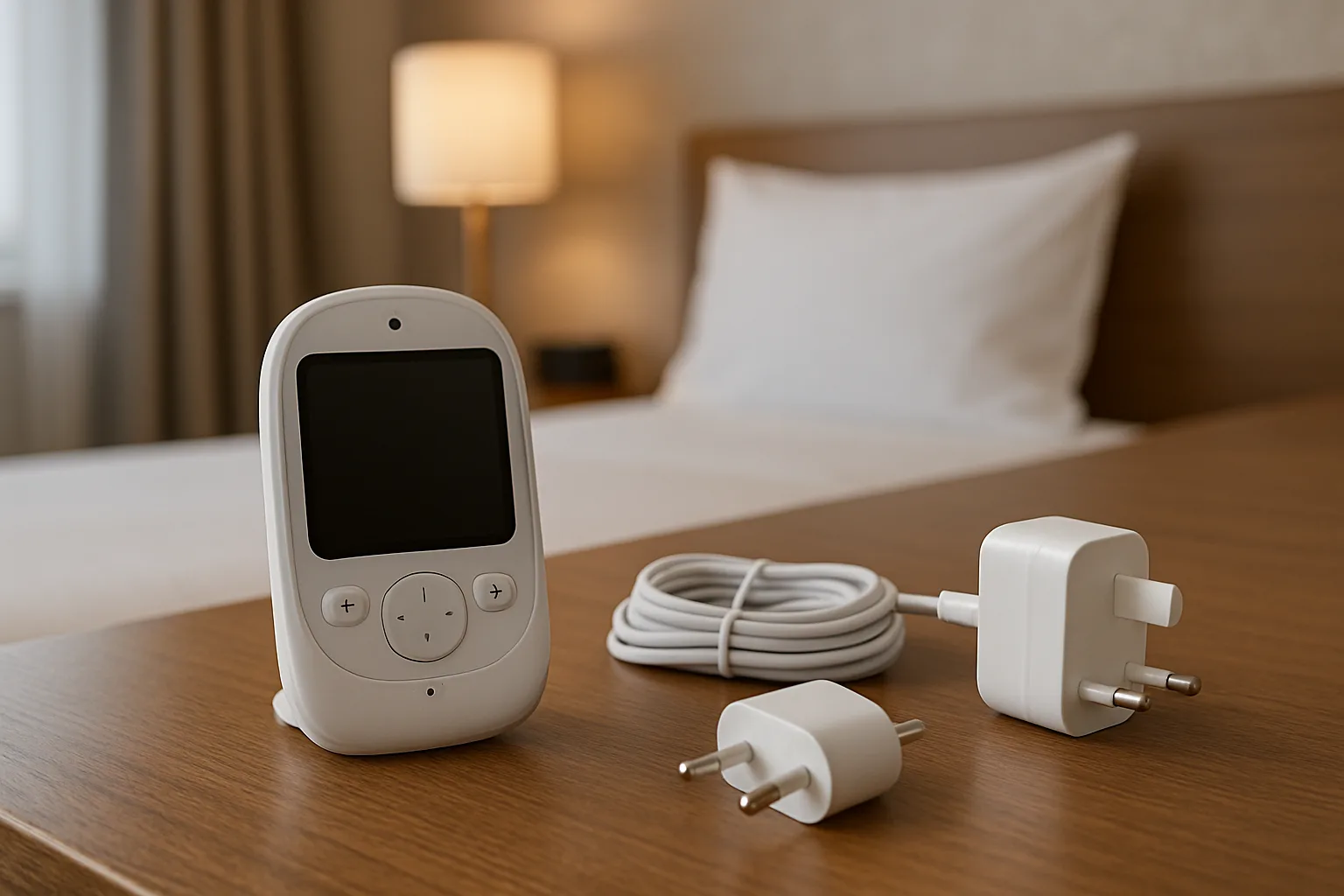
Sockets, Adaptors And Charging
Sockets are the hotel-room detail parents forget until bedtime. Some rooms have plenty. Some have one usable socket behind a bedside table and another halfway up a wall for the television. If you are abroad, you also need the right adaptor, and not all adaptors are equal.
For UK stays, a monitor charger and a phone charger may be enough. For overseas trips, pack a decent travel adaptor bought from a UK retailer, usually around £8-£20 from Boots, Argos, John Lewis, Amazon UK or airport shops. Avoid unbranded bargain adaptors that feel loose, run hot or block nearby sockets.
Electrical Safety First advises checking travel adaptor ratings before plugging appliances in, and that matters when you are charging baby kit away from home. Baby monitors are low-power compared with hairdryers, but you still want a safe, snug plug and a cable route that will not be pulled.
Cable route matters
Keep all cables out of the cot and well away from where a baby or toddler can reach. That includes camera cables, phone chargers, extension leads and USB cables. If the only socket is too close to the travel cot, move the cot or choose a different monitor position. Do not run a loose cable down the side of the cot because it looks tidy from the doorway.
The neatest setup is usually a camera or audio unit on a high dresser, shelf or bedside table, with the cable running behind furniture and no loop hanging near the cot. If you cannot route the cable safely, use the monitor on battery for the first part of the evening and recharge it later.
Battery planning
Parent-unit battery life varies a lot. Some budget video monitors last only 3-5 hours with the screen on, while audio monitors can last much longer. If your parent unit is older, test it at home before the trip. A battery that lasts all evening on paper may last ninety minutes after two years of use.
A small power bank can be useful if your monitor charges by USB-C or micro-USB. A decent 10,000mAh power bank is usually £15-£30 from Anker, Belkin, INIU or similar brands. Check the connector before you travel; plenty of baby monitors still use odd barrel chargers that a power bank cannot help with.
Where To Put The Camera Or Audio Unit
The monitor needs to pick up the baby without becoming part of the sleep space. That is the line. For a video camera, place it far enough away to be out of reach but angled towards the cot. For an audio unit, place it close enough to hear normal stirring but not so close that every rustle sounds like a crisis.
The existing guide on positioning a baby monitor camera covers home setup in more detail. In hotels, you have fewer choices, so the trick is to use furniture sensibly rather than forcing a perfect view.
Good hotel positions
These usually work:
- High dresser: stable, usually near a socket, and often gives a clear angle into a travel cot.
- Bedside table across the room: fine for audio and sometimes fine for video if the cot is visible.
- Fixed shelf: useful if it is stable and the cable can run behind furniture.
- Pushchair handle nearby: only for temporary audio placement while setting up, not as a long-term camera mount.
Avoid balancing a camera on stacked books, lampshades, cot rails or soft furnishings. A baby monitor falling into or near the cot is worse than a slightly imperfect angle.
Sound-only placement
Audio monitors are more forgiving. Put the baby unit on a stable surface about 1-2 metres from the travel cot if the cable route allows it. Turn the sensitivity down if every hotel corridor noise triggers it, then test with one adult speaking softly near the cot.
If your baby is a noisy sleeper, do not chase silence by moving the monitor across the room. That can make genuine wake-ups harder to hear. Lower the volume or sensitivity instead.
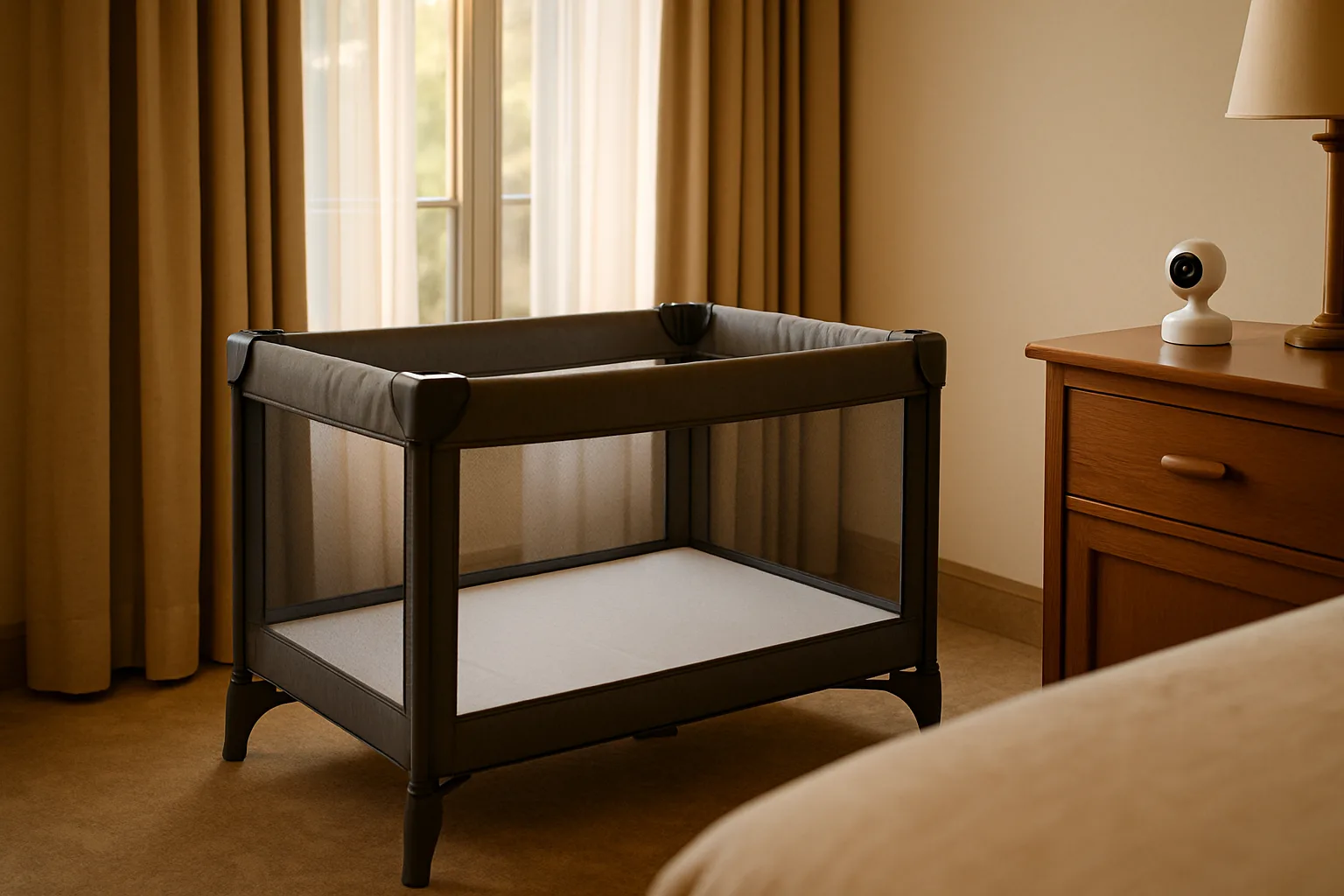
Sleep Safety Comes Before The Monitor
The monitor is secondary to the sleep setup. A clear, flat sleep space matters more than camera angle, screen size or app alerts. If the hotel provides a travel cot, check it before bedtime: mattress flat, frame locked, no loose fabric, no pillows, no duvets, no toys and no thick folded blankets under the baby.
The Lullaby Trust’s safer sleep on holiday advice says the safest place is a separate sleep space with a firm, flat mattress, clear of extra items such as toys and pillows. That is the rule to follow in a hotel room too.
What not to do
Do not put the monitor inside the cot for a better view. Do not clip the cable to the cot rail. Do not add a pillow to lift the baby into camera view. Do not use a monitor as reassurance for a sleep setup you already know is wrong.
If the hotel cot looks poor, ask reception for a replacement before bedtime. Many hotels can swap a travel cot, provide a firmer mattress base or remove extra bedding. If they cannot, you may need to use your own travel cot or change the room setup.
Temperature and noise
Hotel rooms can run hot, especially with sealed windows and heavy curtains. Use the room thermostat carefully and keep the monitor away from heaters, radiators and direct air-conditioning blasts. If your monitor has a temperature reading, treat it as a rough guide, not a calibrated thermometer.
White noise can help in hotels, but be careful with volume and placement. If your monitor doubles as a white-noise machine, keep it away from the cot and use the lowest useful volume. There is already a separate guide on using a baby monitor as a white noise machine if you want the home setup version.
Wi-Fi, Non-Wi-Fi And Hotel Networks
Hotel Wi-Fi is the reason I prefer non-Wi-Fi monitors for travel. Smart monitors can work well at home, but hotel networks often use captive login pages, device limits, weak room signal or security settings that block camera pairing. You do not want to solve that at 8pm with a tired baby in the room.
If you already own a Wi-Fi monitor, test whether it has a direct local mode or travel mode before you leave. Some cameras need the same network as the phone. Some need cloud access. Some hate hotel login portals. The brand app should tell you, but real-world hotel Wi-Fi has a talent for being awkward.
Non-Wi-Fi monitors
A non-Wi-Fi audio or video monitor is usually the least annoying hotel choice. The baby unit talks directly to the parent unit, so you avoid hotel network logins. The downside is range. Thick walls still matter, and the parent unit battery becomes more important.
For hotel use, a £80-£120 non-Wi-Fi video monitor often beats a £180-£250 smart model because it does the one job you need without asking the hotel router for permission. If you are watching twins or siblings in separate spaces, the separate guide on two-room baby monitors is more relevant than trying to improvise with one camera.
Wi-Fi monitors
Wi-Fi monitors are better if you need remote app viewing at home, multiple phones or cloud features. In hotels, keep expectations lower. Do not assume a Wi-Fi camera will connect to a public network. Do not leave default passwords in place. Do not put a camera on a network you do not trust if the app gives you a safer local option.
For one-room hotel sleeping, app features are rarely the priority. Reliable sound, decent battery life and a safe camera position matter more.
What To Pack And What To Skip
Pack the monitor as a small system, not as a loose gadget. That means parent unit, baby unit, chargers, adaptor if needed, and a plan for where it will sit. Put all of it in one pouch so you are not searching for a proprietary charger in the bottom of a suitcase.
My practical packing list would be:
- Monitor and parent unit: charged before leaving home.
- Correct charger: especially if the monitor uses a barrel connector rather than USB.
- Travel adaptor: £8-£20 for overseas hotels, bought from a reputable UK retailer.
- Short cable ties or Velcro straps: useful for tidying spare cable away from the cot.
- Small power bank: £15-£30 if your parent unit charges by USB.
- Backup audio option: an old audio monitor can be more useful than a fussy smart camera.
Skip elaborate clamp mounts unless you already know where they will attach. Many hotel surfaces are too thick, too polished or too awkward. Also skip long extension leads unless you have a clear safe route. More cable usually creates more problems.
The night-before-home test
Before travelling, run the monitor at home for one evening using only the kit you plan to pack. Charge it, unplug it, move the parent unit around, check the battery and make sure you still have the right cable. This catches boring problems while you still have drawers full of spare chargers.
If the monitor is old, check battery life twice. Hotel evenings often last longer than expected because dinner, bath, bottle and bedtime all shift later. A parent unit that dies halfway through the evening is not a disaster, but it is exactly the sort of small failure that makes travel with children feel harder than it needs to be.
Bottom line
For most hotel stays, a simple monitor setup wins: safe cot, sensible camera or audio-unit position, tested range, tidy cable route and enough battery for the evening. Spend money on reliability rather than features. A £30 audio monitor that works in the room is more useful than a £200 smart camera that cannot get through the hotel Wi-Fi login page.
Frequently Asked Questions
Can you use a baby monitor in a hotel room? Yes, as long as you test the range, keep cables away from the cot and use it as a helper rather than a substitute for safe sleep or close supervision.
Will a baby monitor work through hotel walls? Sometimes, but not always. Fire doors, concrete walls, mirrors and distance can reduce range, so test the exact places you plan to use the parent unit.
Is a Wi-Fi baby monitor good for hotels? It can work, but hotel Wi-Fi often causes setup problems. A non-Wi-Fi audio or video monitor is usually more reliable for a short stay.
Where should I put a baby monitor camera in a hotel room? Put it on a stable surface outside the cot and out of reach, angled towards the travel cot. Never place the camera or cable inside the cot.
Do I need a travel adaptor for a baby monitor abroad? Usually yes if the hotel uses a different plug type. Buy a reputable adaptor, check the rating and keep the cable route away from the cot.
What is the cheapest useful baby monitor for travel? A basic audio monitor around £20-£35 is often enough for one hotel room. If you want video, expect to spend about £80-£150 for a simple non-Wi-Fi model.